Affiliate disclosure: Modern Ergonomic may earn a commission from qualifying purchases through Amazon links in this article. Product availability, pricing, reviews, and seller details can change quickly, so use the Amazon buttons to confirm the current listing before buying.
There are two bad ways to shop for ergonomic products. The first is buying whatever has the loudest “ergonomic” label. The second is waiting until your desk setup becomes so annoying that you panic-buy five accessories at once.
This list is meant to sit in the middle. These are real Amazon products worth using as starting points: some premium, some practical, some small enough to test without rethinking your whole office. I’m not treating this as a final lab-tested ranking yet. Think of it as the first Modern Ergonomic shortlist: recognizable products, clear use cases, and honest notes on who should probably skip each one.
1. Herman Miller Aeron Chair
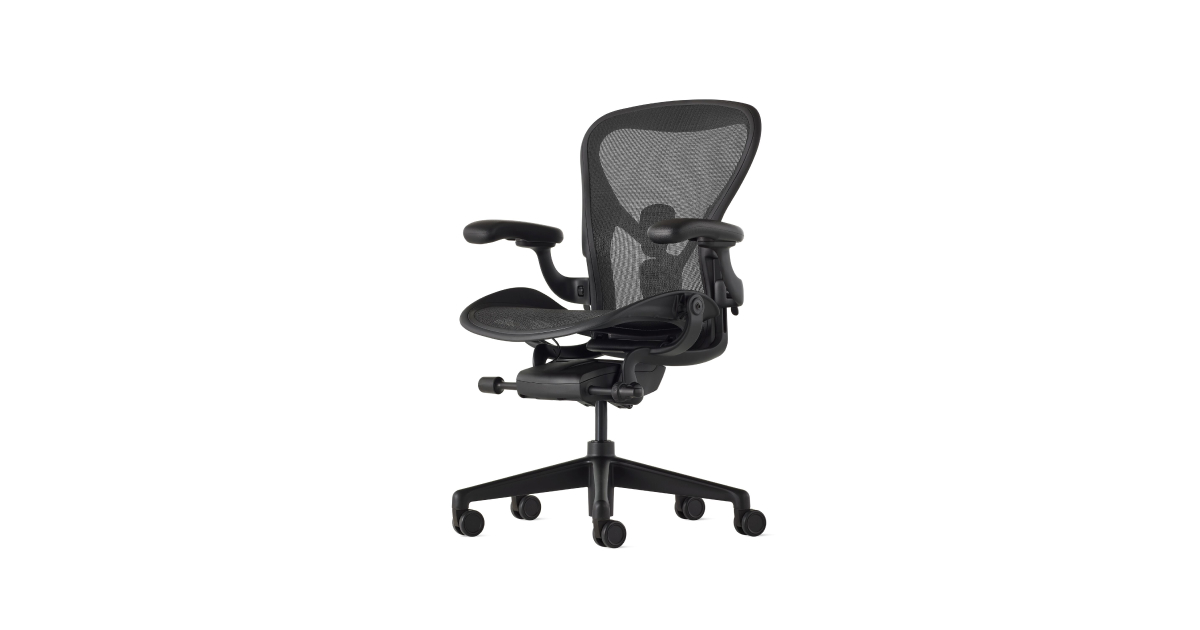
The Aeron is the obvious premium pick, but it is not famous by accident. It is one of the few office chairs people still talk about after years of ownership, and the mesh suspension, size options, and adjustability make it feel more like equipment than decor.
Best for: someone who works from a desk every day and wants the chair to be the foundation of the setup.
Watch out for: sizing matters. The Aeron is not a soft lounge chair, and buying the wrong size can make an expensive chair feel wrong fast.
Check the Herman Miller Aeron on Amazon
2. HUANUO Adjustable Monitor Stand Riser
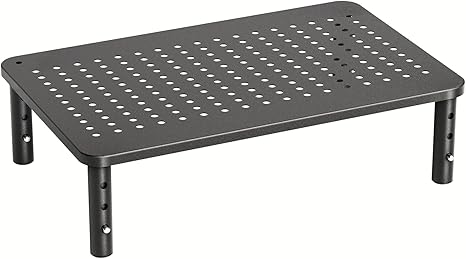
A monitor riser is the simple fix for a screen that sits too low. This HUANUO metal riser is the kind of practical accessory that does not need to be beautiful to be useful: it lifts the display, opens up a little storage underneath, and avoids the commitment of drilling in a monitor arm.
Best for: basic monitor height correction on a budget.
Watch out for: measure your monitor base first. Risers are only satisfying when the monitor sits fully and calmly on top.
Check the HUANUO monitor riser on Amazon
3. Rain Design mStand Laptop Stand
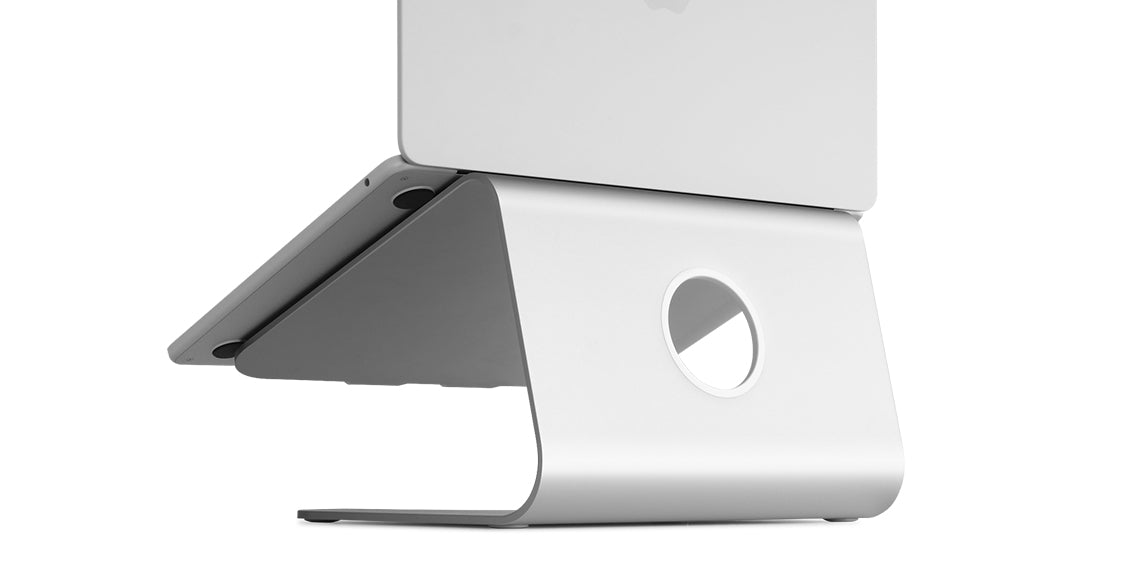
The mStand is a fixed aluminum laptop stand that has stayed popular because it does one thing cleanly. It raises the laptop screen to a more usable height and leaves room for a keyboard below. For a permanent desk, that simplicity can be better than an adjustable stand you keep fiddling with.
Best for: laptop users who mostly work from one desk with an external keyboard and mouse.
Watch out for: it is fixed-height. If you need travel portability or fine adjustment, look elsewhere.
Check the Rain Design mStand on Amazon
4. Logitech Lift Vertical Ergonomic Mouse
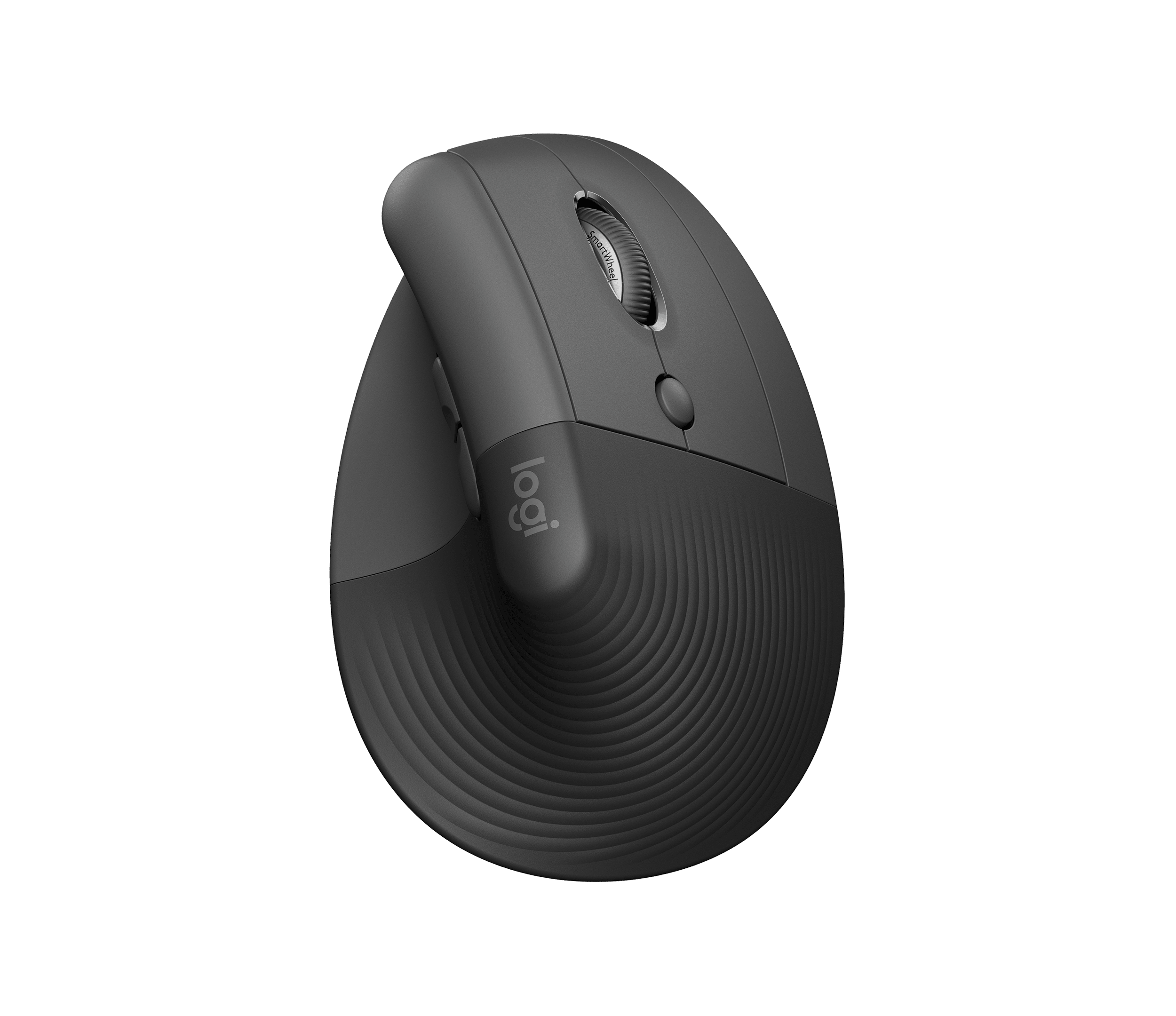
The Logitech Lift is one of the safest first vertical mice to try because it is modern, quiet, and sized for small to medium hands. It changes the wrist angle without feeling like a science project on your desk.
Best for: people who dislike the flat-mouse wrist position but do not want a giant vertical mouse.
Watch out for: larger hands may prefer Logitech’s MX Vertical instead. Vertical mice are very personal, so fit matters more than brand reputation.
Check the Logitech Lift on Amazon
5. Kensington Duo Gel Keyboard Wrist Rest
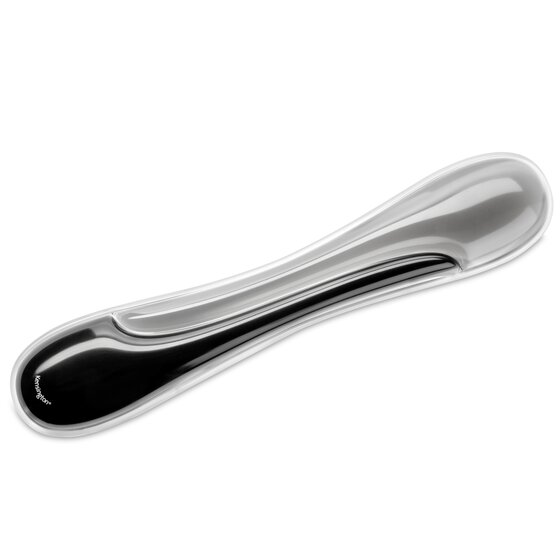
A wrist rest should not become a place where you press your wrists down while typing. Used lightly, though, it can soften the desk edge and make pauses feel more natural. The Kensington Duo Gel is a classic full-size option with an easy-clean surface and a more substantial feel than thin foam strips.
Best for: full-size keyboard users who want a firmer, wipe-clean rest.
Watch out for: low-profile keyboards may not need this much height. If it pushes your wrists upward, it is solving the wrong problem.
Check the Kensington Duo Gel wrist rest on Amazon
6. HUANUO Adjustable Foot Rest
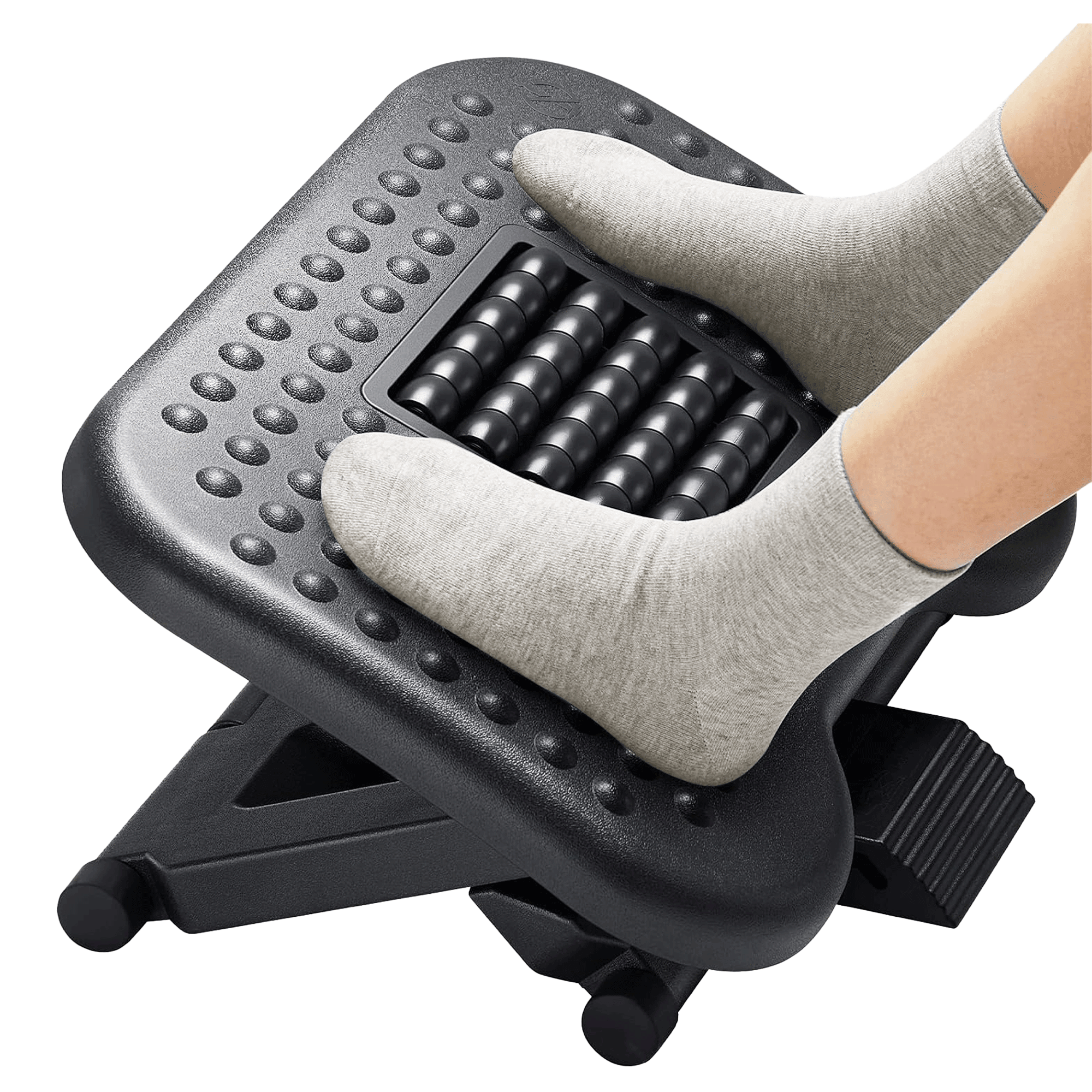
If your chair is set high enough for your arms but your feet do not land well, a footrest can make the whole desk feel less mismatched. The HUANUO adjustable footrest adds height options plus a textured surface and rocking motion, which is useful for people who like to move their feet while sitting.
Best for: shorter users, high desks, and anyone whose feet hover or tuck awkwardly under the chair.
Watch out for: plastic footrests can slide on some floors. Placement and floor surface matter.
Check the HUANUO foot rest on Amazon
7. Cushion Lab Back Relief Lumbar Pillow
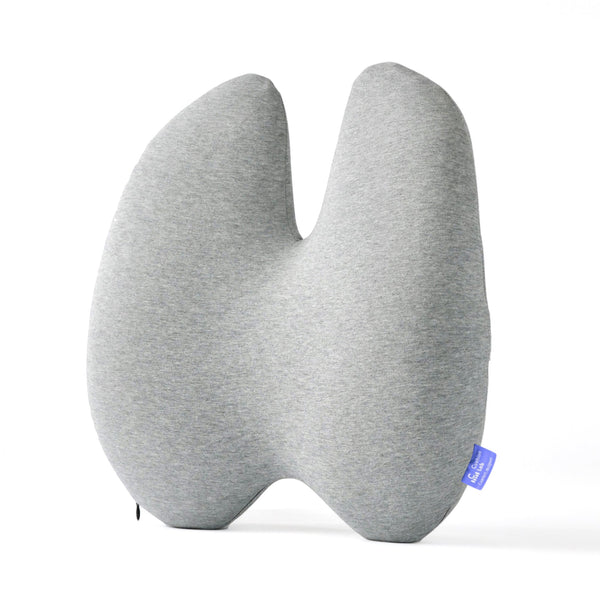
Lumbar pillows are tricky because backs are not standardized. Cushion Lab’s Back Relief pillow is interesting because it is shaped more intentionally than a basic rectangular pad. It is a good candidate when the chair is mostly fine but the lower-back support is missing or too vague.
Best for: upgrading a plain office chair without buying a new chair.
Watch out for: if your chair already has aggressive lumbar support, adding another pillow can push you too far forward.
Check the Cushion Lab lumbar pillow on Amazon
8. Cushion Lab Pressure Relief Seat Cushion
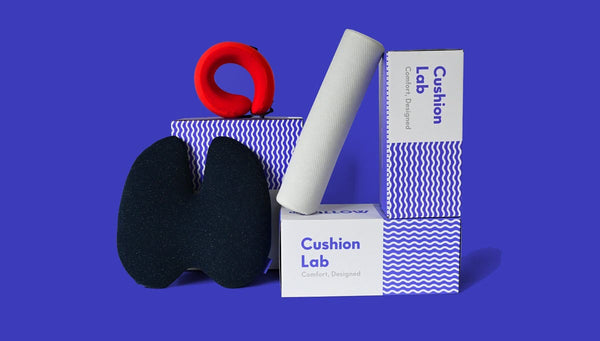
A seat cushion can make an unforgiving chair more usable, but it also changes your sitting height. Cushion Lab’s Pressure Relief cushion is a polished option for people who want more support under the hips and thighs without turning the chair into a bulky stack of foam.
Best for: hard chairs, flattened seat pads, and people who want a cleaner-looking cushion.
Watch out for: raising your seat may force you to readjust chair height, arm position, foot support, and monitor height.
Check the Cushion Lab seat cushion on Amazon
9. BenQ ScreenBar Pro Monitor Light
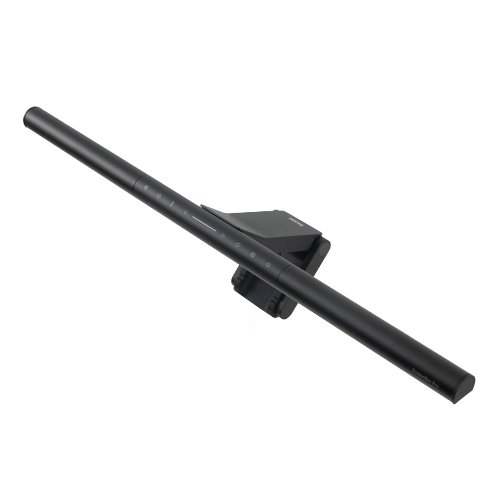
Desk lighting is ergonomics disguised as atmosphere. A good monitor light bar can brighten the work surface without eating desk space or throwing glare across the display. BenQ’s ScreenBar line is the premium version of that idea, and the Pro model is the one to look at if you want the setup to feel more finished.
Best for: evening work, small desks, and setups where a normal task lamp gets in the way.
Watch out for: thick monitors, curved displays, webcams, and monitor-mounted accessories can complicate fit.
Check the BenQ ScreenBar Pro on Amazon
10. Ergodriven Topo Standing Desk Mat
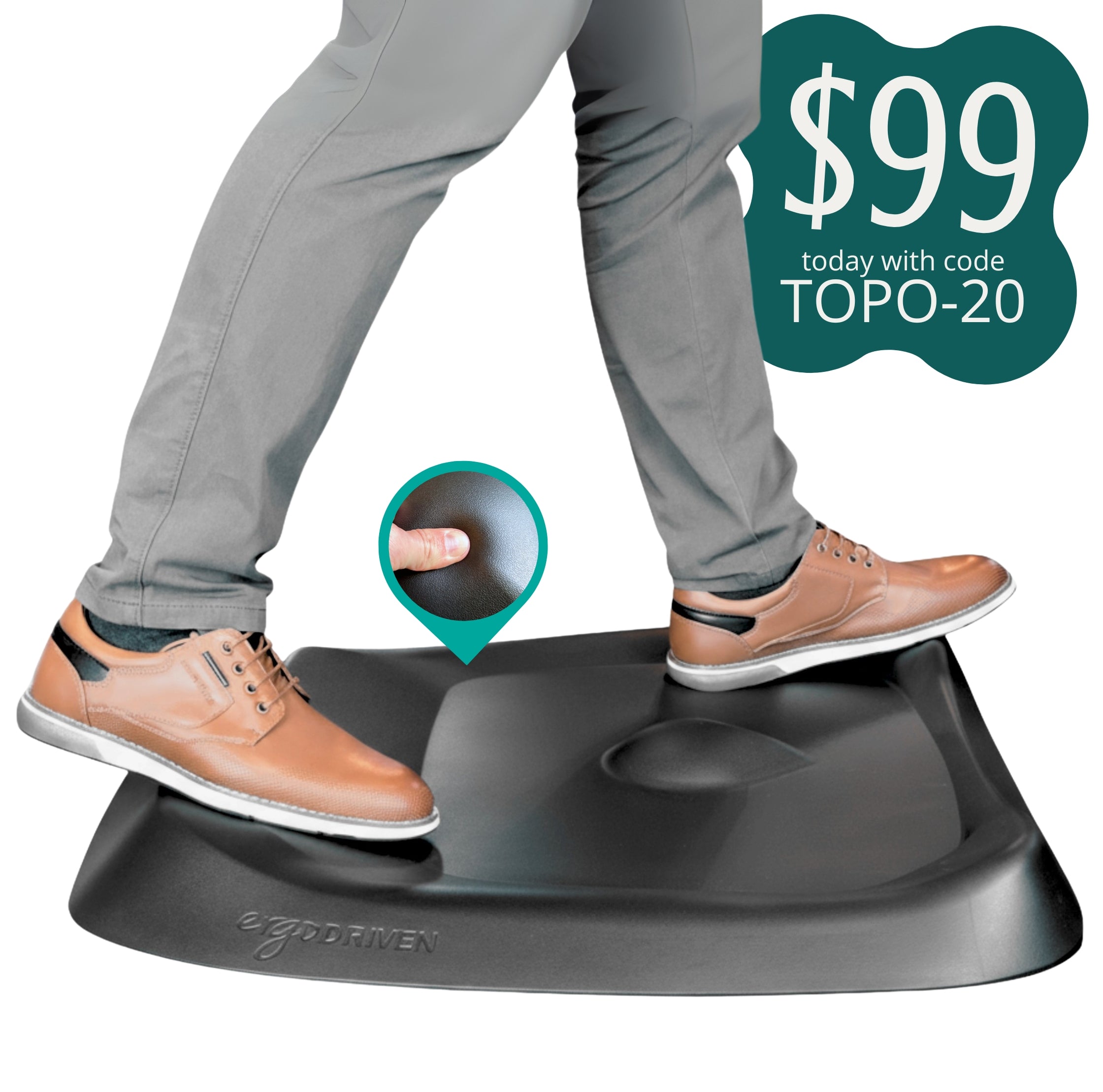
The Topo is not a flat anti-fatigue mat. It has raised terrain that gives your feet places to shift, stretch, and fidget. That matters because standing still for hours is not the point of a standing desk. The goal is more position changes with less friction.
Best for: standing desk users who actually want to rotate between sitting and standing.
Watch out for: if you only stand occasionally, a simpler flat mat may be enough.
Check the Ergodriven Topo mat on Amazon
How I Would Prioritize These
If your chair is bad, start with the chair or the lumbar/seat support. If your neck is the problem, start with screen height: monitor riser or laptop stand. If your wrist and forearm feel irritated, try the mouse and wrist rest path. If the desk feels fine during the day but unpleasant at night, lighting may be the missing piece. If you already own a standing desk but never use standing mode, the mat is probably more important than another decorative desk accessory.
The larger idea is simple: buy the product that fixes the most repeated annoyance in your day. Ergonomics gets better when it becomes specific.
Note: This article is shopping guidance, not medical advice. If you have ongoing pain, numbness, injury symptoms, or a diagnosed condition, talk with a qualified clinician before depending on desk products to solve it.