Category: Workplace Wellness

  • Posture Is More Than Standing Up Straight

    Posture Is More Than Standing Up Straight

    Posture has been marketed as a command: sit up straight, pull your shoulders back, hold the position. That advice sounds simple, but it misses the more interesting reality. Posture is not one rigid shape. It is how your body organizes itself while you do something else.

    When your screen is too low, your neck reaches forward. When your keyboard is too far away, your shoulders work harder than they should. When your feet dangle, your lower back compensates. Over time, these tiny adaptations become your default. You do not choose them so much as inherit them from your environment.

    Your body and attention are linked

    Physical position can influence how you feel during the day. A collapsed posture can make breathing shallower. Raised shoulders can keep the nervous system on alert. A twisted desk setup can create a subtle sense of strain that follows you from task to task. This does not mean posture magically controls mood, but it does mean the body is part of the emotional atmosphere of work.

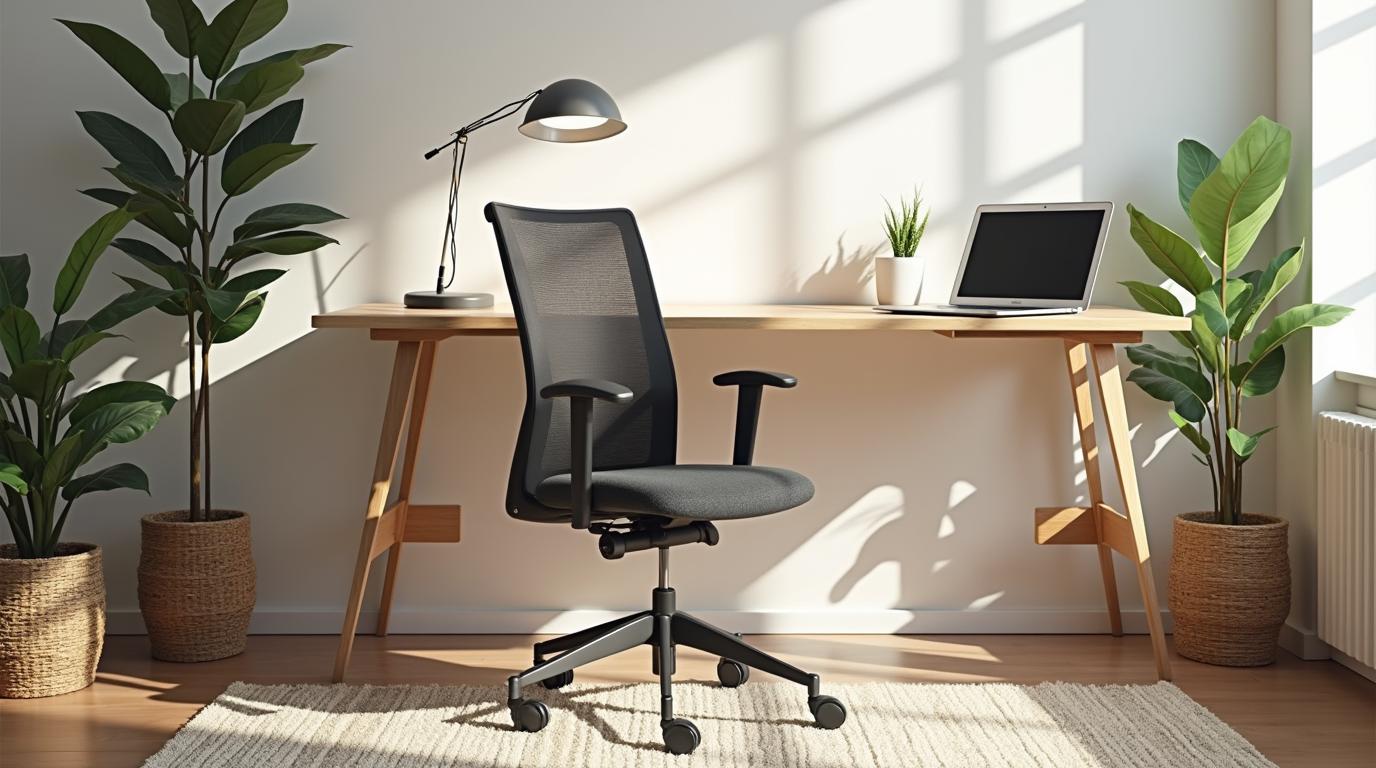
    Better posture is often less about discipline and more about design. Raise the screen so your eyes meet it naturally. Bring the keyboard and mouse close enough that your elbows can rest near your sides. Use a chair that supports the lower back without forcing the chest forward. Give your feet a firm surface. These changes make a calmer posture easier to return to.

    Movement beats perfection

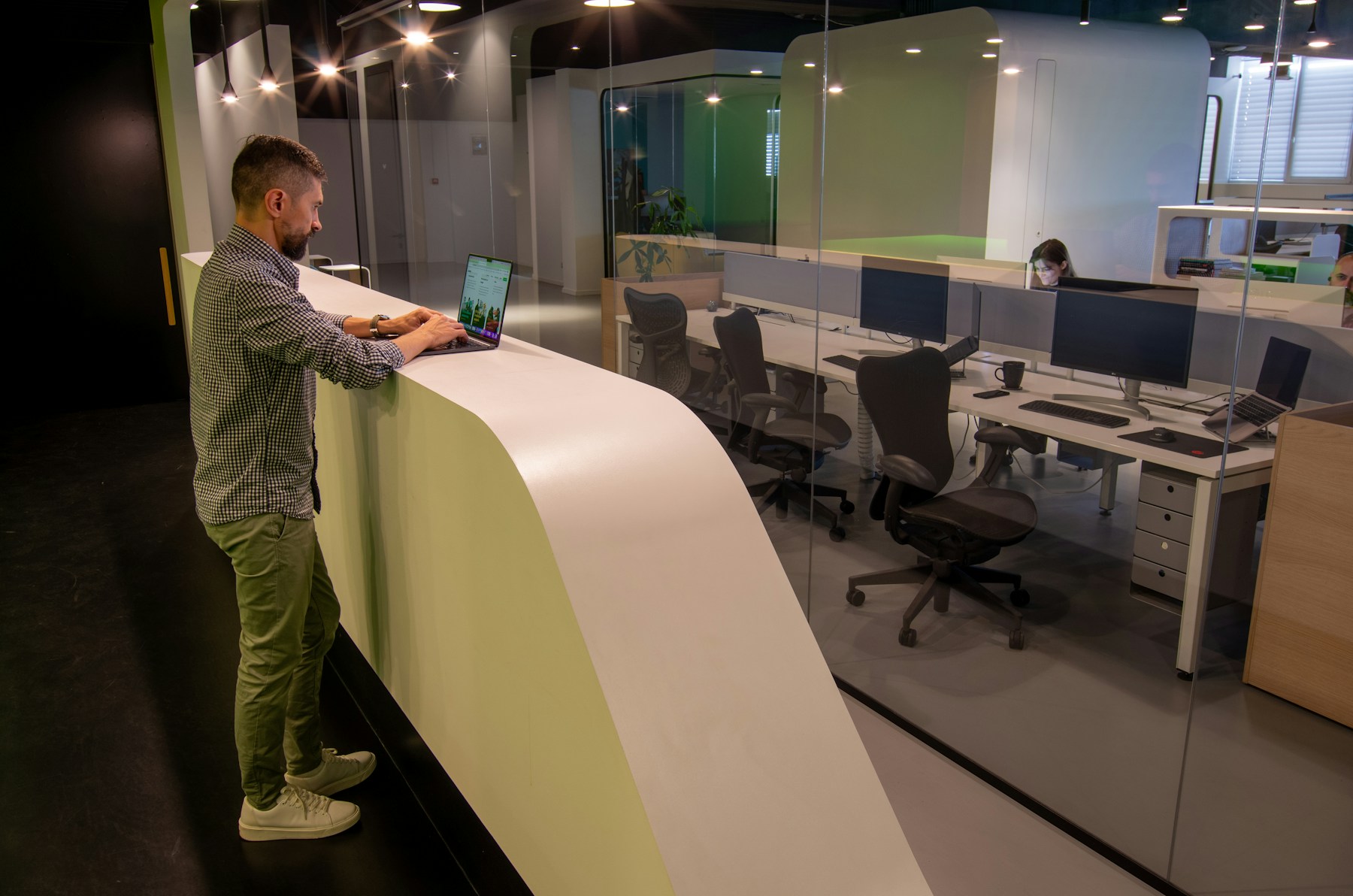
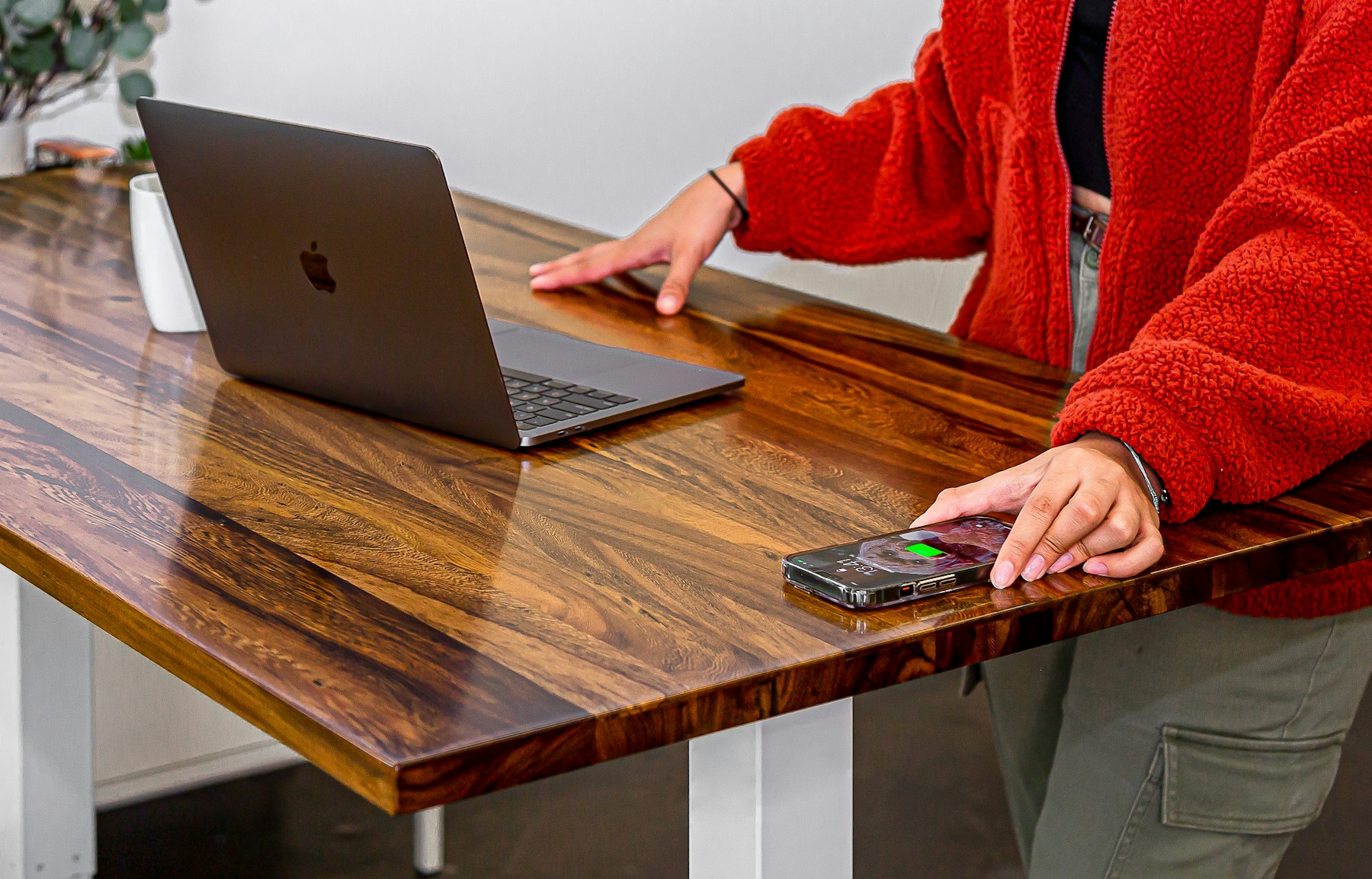
    The most useful posture is the next one. Even a technically ?correct? position becomes tiring if you hold it for too long. Modern ergonomic thinking encourages position changes: sitting, standing, leaning back, stretching, walking, and resetting. A height-adjustable desk, a footrest, or a supportive chair can all help create more options.

    Instead of chasing a perfect pose, notice repeat patterns. Do you crane toward your laptop? Do you tuck one leg under yourself because your seat height is wrong? Do you shrug while typing? These are clues, not failures. They tell you what your workspace is asking your body to do.

    Posture as kindness, not correction

    The point is not to police yourself. The point is to make the healthy choice feel natural. A well-arranged workspace lets your body settle without constant instruction. It gives you more breath, less tension, and a clearer path back into focus.

    Posture matters because you live inside it all day. Treat it as feedback from your environment, and it becomes something you can improve with curiosity instead of guilt.

  • Why Your Neck Hurts Before the Workday Is Over

    Why Your Neck Hurts Before the Workday Is Over

    Neck pain at a desk can feel mysterious because nothing dramatic happens. You sit down, answer messages, look at a screen, and a few hours later the base of your skull feels tight. The cause is usually not one terrible movement. It is a collection of small positions repeated long enough to become a problem.

    The most common culprit is screen height. Laptops are convenient because the screen and keyboard travel together, but that convenience creates a design conflict. If the keyboard is low enough for comfortable typing, the screen is usually too low for comfortable viewing. If the screen is high enough, the keyboard is too high. The neck often pays the difference.

    Forward head posture is a setup problem

    When the screen sits too low or too far away, the head drifts forward. That position increases demand on the muscles that support the neck and upper back. Add a few hours, a little stress, and a phone check every few minutes, and the strain becomes predictable.

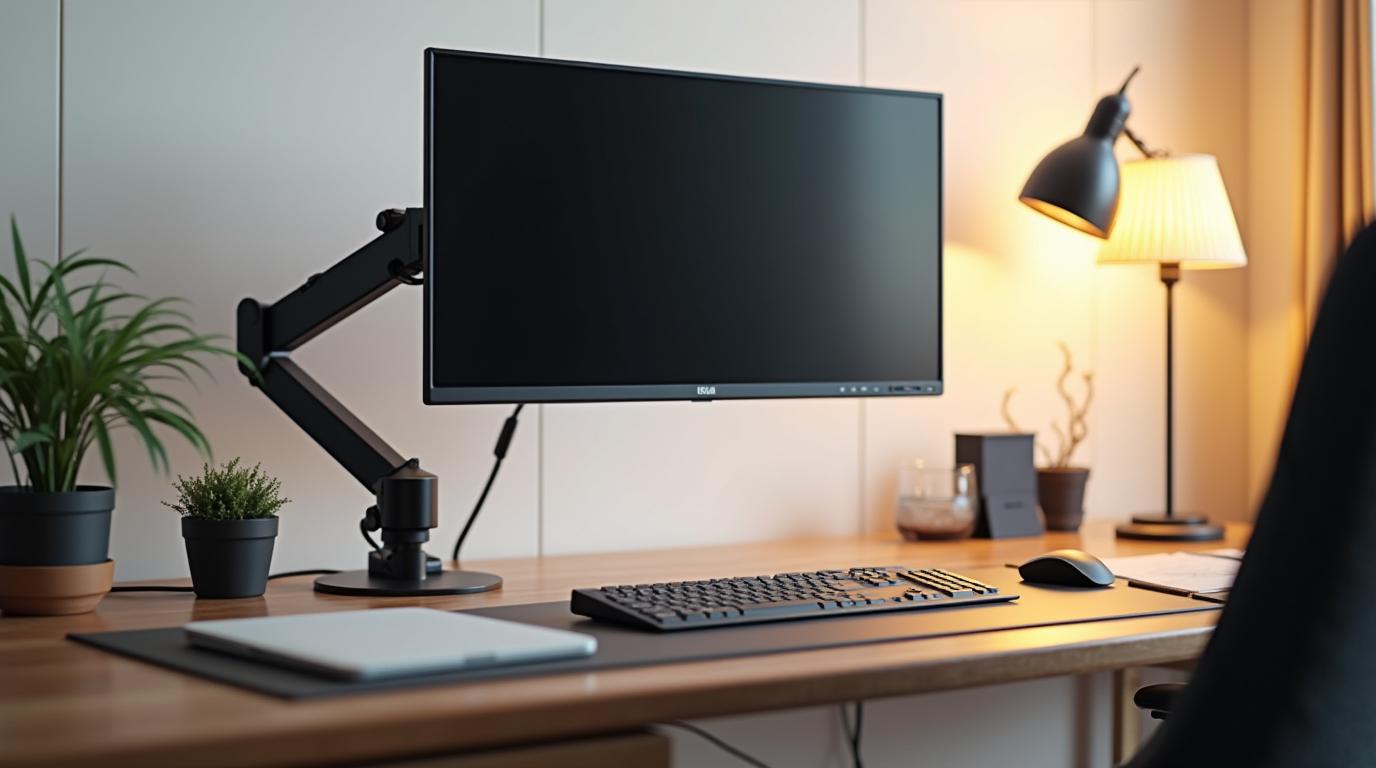
    The fix starts with bringing the screen to eye level. A laptop stand plus an external keyboard and mouse can make a bigger difference than many expensive accessories. For desktop monitors, a monitor arm or sturdy riser can help place the display at the right height and distance.

    Shoulders tell the same story

    Neck pain often travels with shoulder tension. If your keyboard is too far away, your arms reach. If your mouse is too high, your shoulder lifts. If your chair lacks support, your upper back rounds and your head follows. These small changes stack.

    Try arranging your keyboard and mouse so your elbows stay near your sides. Keep wrists neutral and shoulders easy. If the desk height is wrong, adjust chair height and support your feet. The neck rarely improves if the rest of the setup keeps asking for strain.

    Build in relief before pain arrives

    Do not wait for the afternoon ache to remind you to move. Schedule tiny resets: stand, look across the room, roll the shoulders, gently tuck the chin, and change position. A good setup reduces strain, but movement keeps the system alive.

    Neck pain is information. It is your body describing the workspace in physical terms. Listen early, adjust the tools, and the day can feel less like something you have to recover from.

  • A Better Workspace Is a Form of Recovery

    A Better Workspace Is a Form of Recovery

    Recovery usually sounds like something that happens after work: stretching, walking, sleeping, turning off notifications. Those things matter. But the workspace itself can either support recovery throughout the day or make recovery harder by constantly adding small strain.

    A chair that supports you, a screen at the right height, light that does not tire your eyes, and tools that reduce repetitive tension can make the workday less physically loud. You still work. You still use effort. But the environment stops charging extra.

    Micro-recovery matters

    Between tasks, the body looks for a reset. You lean back after sending a difficult email. You stand during a call. You look away from the screen while thinking. A better workspace makes those resets easier. A poor one keeps you folded, reaching, squinting, or tense even during the pauses.

    This is why recline tension, standing presets, monitor position, and clear desk space matter. They are not only about productivity. They shape the body?s ability to release and return.

    Reduce the background load

    Stress is not only mental. Physical discomfort adds background load. When your neck is tight or your wrists ache, the day feels heavier. The body keeps asking for attention, even if you are trying to focus elsewhere.

    Modern ergonomic products can reduce that load when chosen well. A chair can support rest between bursts of focus. A footrest can stabilize posture. A monitor arm can reduce neck strain. A task light can soften eye fatigue. None of these is dramatic alone. Together, they change the texture of the day.

    Make comfort normal

    Many people treat comfort as a reward for finishing work. The better approach is to make comfort part of how work happens. That does not mean indulgence. It means respecting the body enough to stop designing against it.

    A better workspace is a form of recovery because it gives energy back in small amounts all day. It does not make work effortless. It makes work less punishing. That difference is worth building around.