Category: Buying Smarter

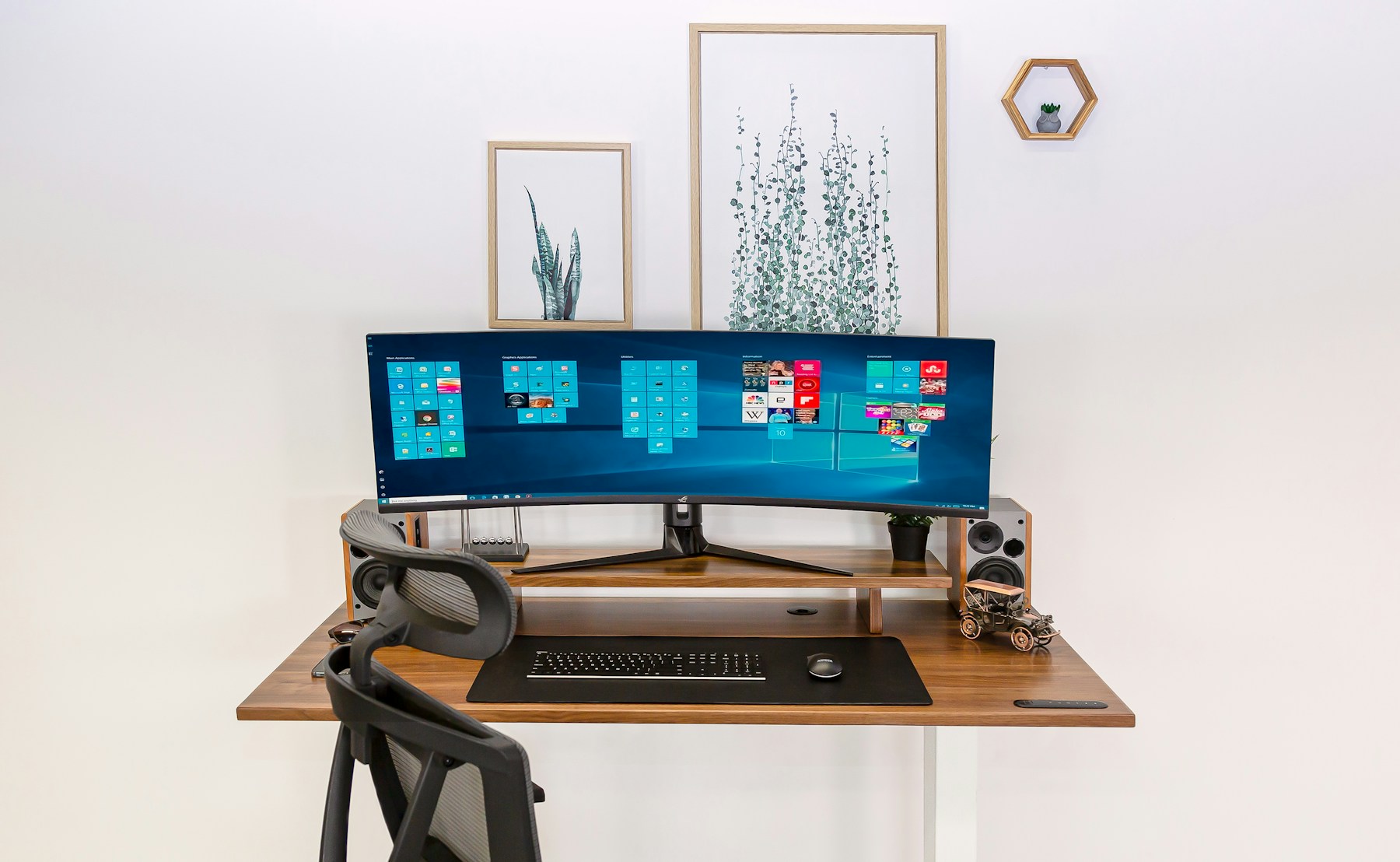
  • The Case for a Standing Desk That You Actually Use

    The Case for a Standing Desk That You Actually Use

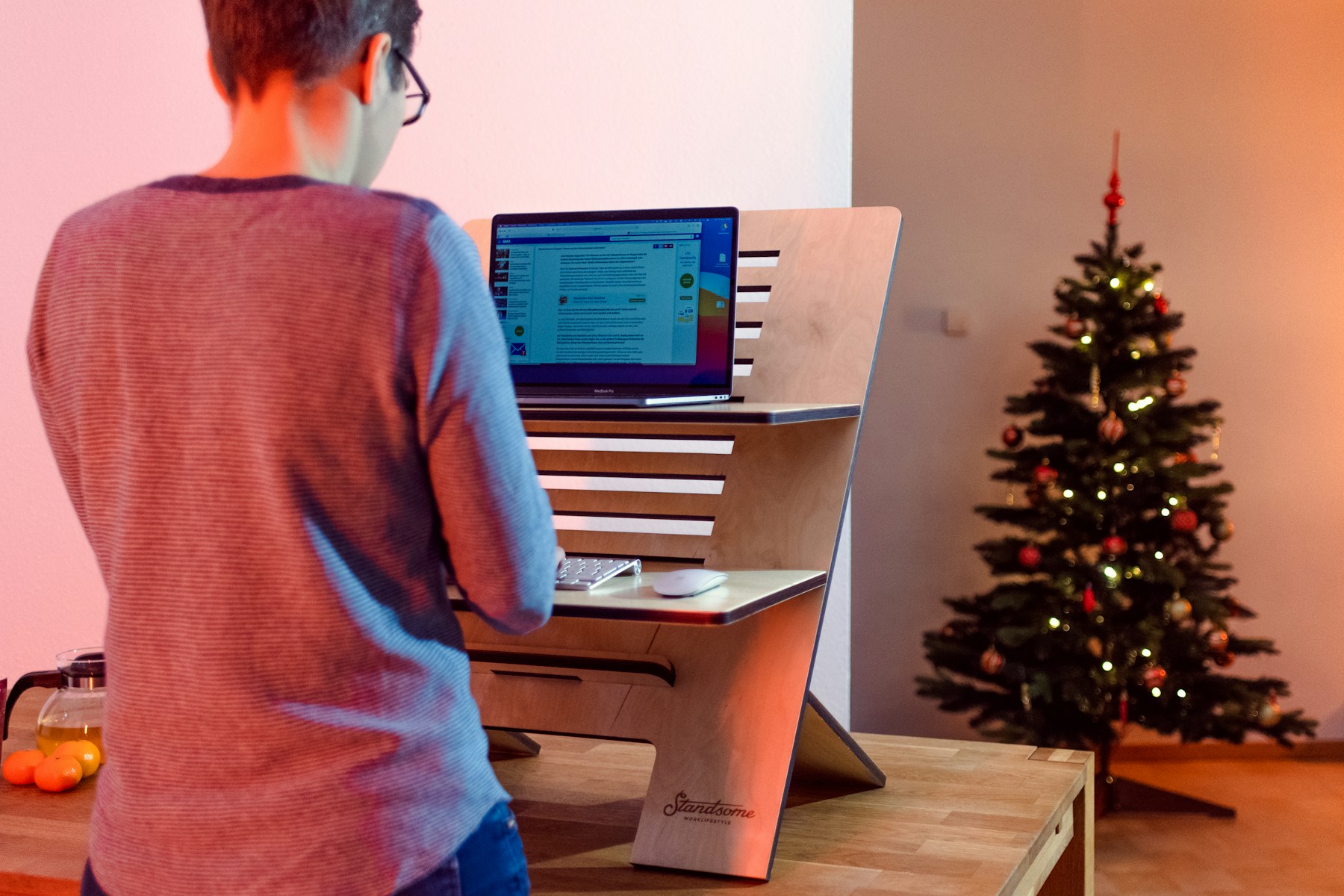
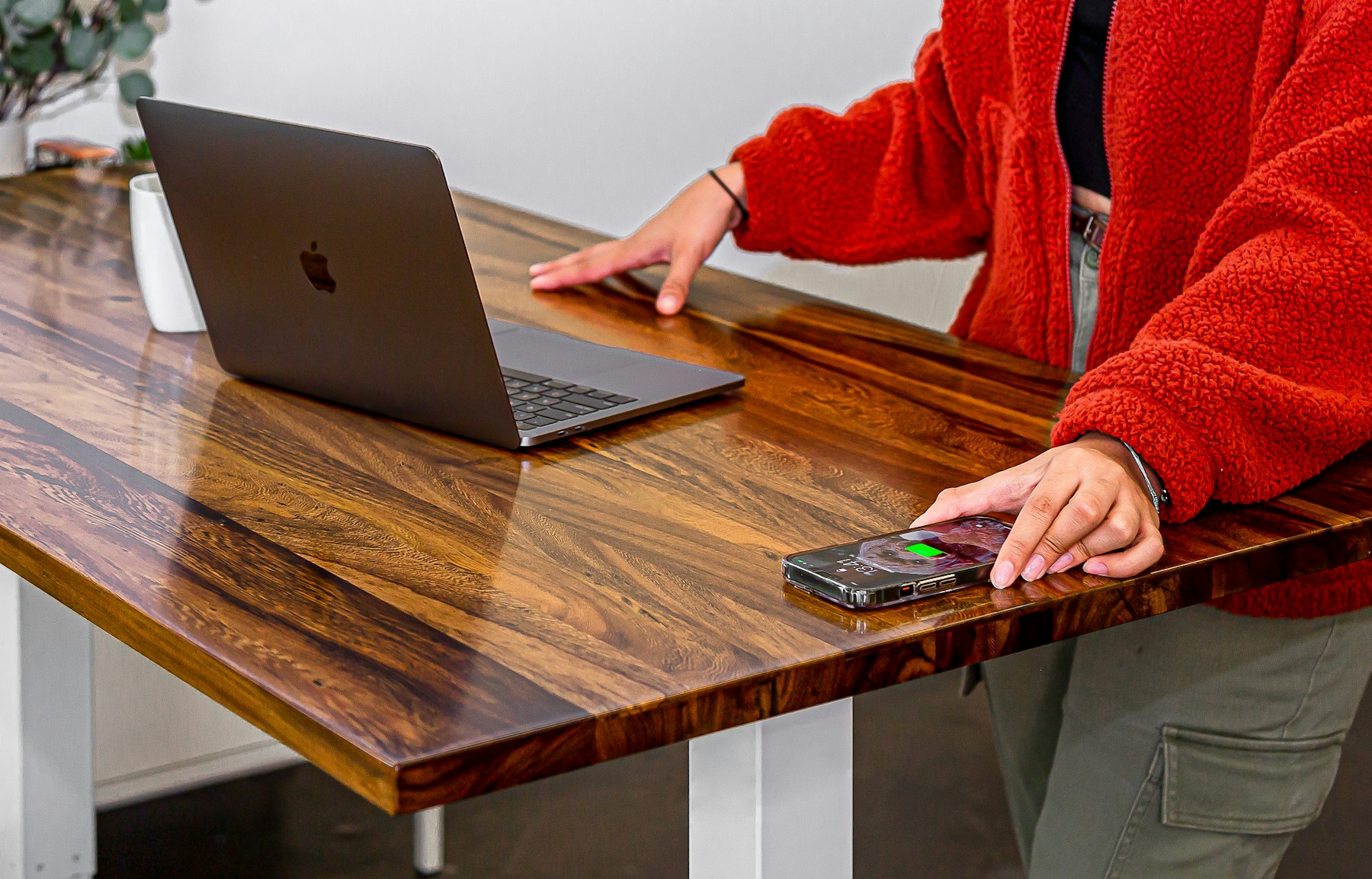
    A standing desk sounds like a clean solution: sit less, feel better. In practice, many people buy one, stand enthusiastically for a week, then use it like a normal desk with extra buttons. The problem is not the idea. The problem is treating standing as the goal.

    The real value of a sit-stand desk is movement. It gives you another position. It lets you interrupt long sitting without leaving the work completely. It helps you shift energy during calls, reading, brainstorming, and admin tasks. Used well, it expands the day instead of replacing one static posture with another.

    Standing still is still still

    Standing for hours without movement can create its own discomfort: tired feet, locked knees, lower back tension, and shifting weight from side to side. A standing desk works best when paired with small habits. Change height before you feel stiff. Use a mat. Wear comfortable shoes or stand barefoot if that works for your space. Move while you think.

    Some tasks fit standing better than others. Calls, quick reviews, planning, and reading often feel natural upright. Deep typing work may still be better seated for many people. Let the work decide the posture instead of forcing a rule.

    Make the transition effortless

    If raising the desk is annoying, you will stop doing it. Memory presets help because they remove friction. Cable management matters because tangled cords make height changes feel risky. A monitor arm can keep screen height correct in both positions. A keyboard tray or adjustable chair may be necessary if the sitting height is not right.

    The best standing desk setup is boringly easy to change. One button, stable surface, everything still aligned. That simplicity is what turns the desk from a gadget into a habit.

    Use it as a rhythm tool

    Instead of asking ?How many hours should I stand?? try asking ?When does my body need a new shape?? Stand for a morning meeting. Sit for focused writing. Stand again after lunch. Walk for five minutes before returning. The desk becomes part of a wider rhythm of attention and recovery.

    A standing desk is worth it when it helps you move more naturally through the day. Not more heroically. Not more performatively. Just more often, with less friction.

  • Small Desk Accessories That Change How Work Feels

    Small Desk Accessories That Change How Work Feels

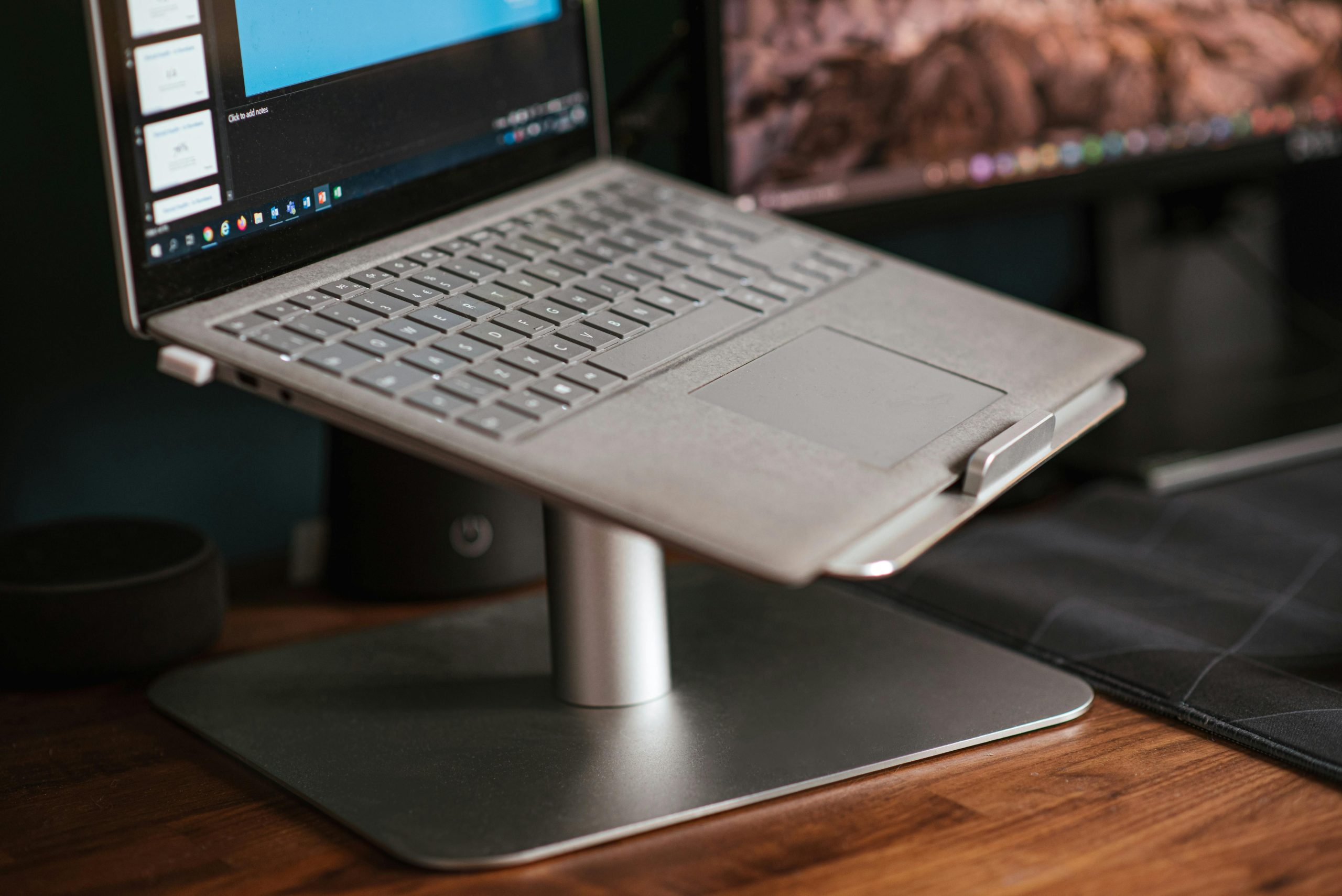
    Not every ergonomic improvement needs to be a chair or a desk. Sometimes the most meaningful change is small enough to fit in one hand. A laptop stand, vertical mouse, footrest, monitor arm, wrist rest, task light, or cable tray can change the way work feels because it changes the points of daily contact.

    Small accessories are useful because they solve specific problems. They also let you improve a setup gradually. You do not have to rebuild the entire room to reduce strain. You can notice one recurring annoyance and choose the tool that answers it.

    Find the bottleneck first

    If your neck hurts, look at screen height before buying a new chair. If your wrist feels strained, look at mouse shape and desk height. If your feet do not reach the floor comfortably, a footrest may improve your hips, back, and shoulders by giving the body a stable base.

    The right accessory often feels obvious after you identify the problem. A laptop stand solves low-screen posture. A monitor arm solves fixed screen position and desk clutter. A vertical mouse can reduce forearm rotation. A task light reduces squinting and screen brightness battles. A footrest supports shorter users or high desks.

    Small should still be well made

    Cheap accessories can help, but flimsy ones create new frustration. A laptop stand should be stable. A footrest should not slide away. A mouse should fit your hand, not just look ergonomic in a product photo. A desk mat should support movement rather than become a sticky obstacle.

    Modern ergonomic accessories are getting better because they combine function with materials you can live with: aluminum, felt, wood, soft-touch finishes, quiet mechanisms, and colors that do not scream office supply closet.

    Build a system, not a collection

    Accessories work best together. A laptop stand needs an external keyboard and mouse. A monitor arm may reveal that your lighting needs adjustment. A standing desk mat matters only if the rest of the standing setup is comfortable. Each piece should support the whole posture chain.

    Start with the smallest repeat problem. Fix it cleanly. Then notice what changes. Ergonomics becomes less overwhelming when it is treated as a series of thoughtful upgrades rather than one perfect shopping list.

  • Buying Ergonomic Products Without Falling for the Label

    Buying Ergonomic Products Without Falling for the Label

    The word ergonomic is useful, but it is also easy to abuse. It can mean carefully adjustable and body-aware. It can also mean slightly curved plastic with a confident product description. If you are building a better workspace, the label is only the beginning.

    Good ergonomic buying starts with the problem you are trying to solve. Neck strain, wrist discomfort, tired legs, back pressure, eye fatigue, and general restlessness can all point to different tools. Buying the most popular product without naming the problem is how people end up with expensive objects that do not actually help.

    Look for adjustability with purpose

    Adjustable features matter when they match real body differences. Chair height, seat depth, lumbar support, armrest height, monitor height, desk height, keyboard angle, and mouse shape can all affect comfort. But more settings are not automatically better if the product is hard to tune or if the important settings are missing.

    Ask simple questions. Can this chair support my lower back without pushing me forward? Can this desk reach a comfortable seated and standing height? Can this monitor arm hold my screen without sagging? Can this mouse fit my hand size and grip style?

    Beware of dramatic promises

    No product fixes a sedentary life by itself. A standing desk does not erase the need to move. A posture corrector does not redesign your workstation. A chair cannot compensate for a laptop screen that is always too low. The strongest products reduce friction and support better habits; they do not replace habits entirely.

    Reviews can be helpful, but look for reviewers whose body size, work style, and complaints resemble yours. A tall person and a shorter person may experience the same chair completely differently. A writer and a gamer may need different keyboard and mouse priorities.

    Buy for the daily pattern

    The right ergonomic product should make the repeated part of your day easier. That is the standard. Not novelty, not a feature checklist, not the most futuristic design. If the item reduces strain in a motion you perform constantly, it earns attention.

    Modern Ergonomic will eventually compare hundreds of products, but the principle stays the same: the best product is the one that fits the body, the room, and the routine. Start there, and the label becomes less important than the result.