Affiliate disclosure: Modern Ergonomic may earn a commission from qualifying purchases through Amazon links in this article. Product availability, pricing, reviews, and seller details can change quickly, so use the Amazon buttons to confirm the current listing before buying.
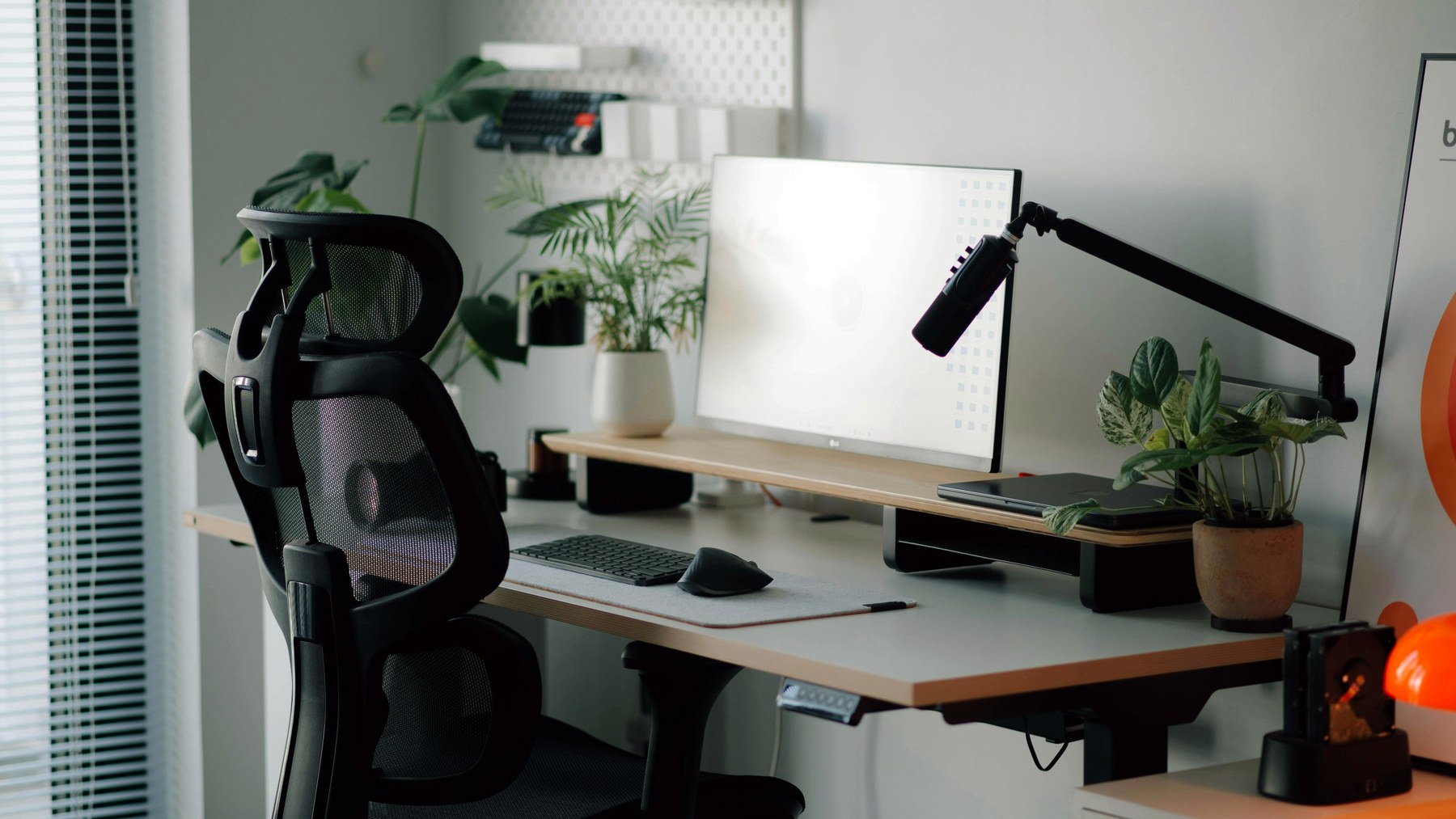
When people ask about neck pain from a desk setup, the conversation usually jumps straight to chairs. But the screen is often the louder problem. If the monitor is too low, too far away, off-center, or fighting glare, your neck spends the day negotiating with it.
The fix is not always the same product. Sometimes a riser is enough. Sometimes a monitor arm is the better long-term move. Sometimes the real issue is that a laptop is being used like a desktop computer without the right support.

Reddit signal
- Recent desk setup and posture threads frequently ask where the monitor should sit relative to eye level.
- Users often mix multiple issues: neck pain, laptop height, glare, shallow desks, and whether a monitor arm is worth it.
- This article targets long-tail searches like “monitor height neck pain,” “monitor riser vs arm,” and “laptop stand neck pain.”
“To complete the ergonomic picture, make sure your monitor has good adjustments too.”
The Simple Monitor Height Rule
A useful starting point is to place the top of the screen near eye level, then adjust from there based on screen size, distance, glasses, and comfort. You should not need to crane your neck upward or fold downward to read normal text.
Do not treat this as a rigid medical formula. Treat it as a starting position that helps your head stay more neutral.
Screen setup checklist
- Screen centered with your body for primary work.
- Top of monitor near eye level as a starting point.
- Text readable without leaning forward.
- Laptop raised if used for long sessions.
- Lighting controlled so glare does not change your posture.
Choose a Monitor Riser If You Need Simple Height
A riser is the easiest fix when your monitor is just too low. It is inexpensive, stable, and does not require clamps or drilling. The tradeoff is that you get height, not fine positioning.
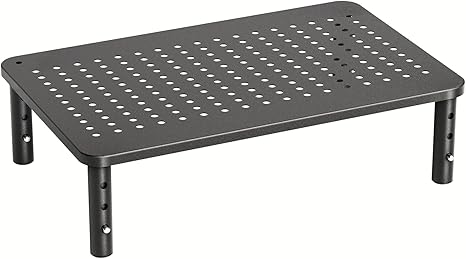
Product placement: HUANUO Adjustable Monitor Stand Riser
A simple way to lift a monitor when the stand is too low and you do not need full arm adjustment.
Choose a Laptop Stand If the Laptop Is the Problem
A laptop used flat on a desk forces a compromise: either the keyboard is usable and the screen is low, or the screen is usable and the keyboard is awkward. For longer sessions, raise the laptop and use external input devices.
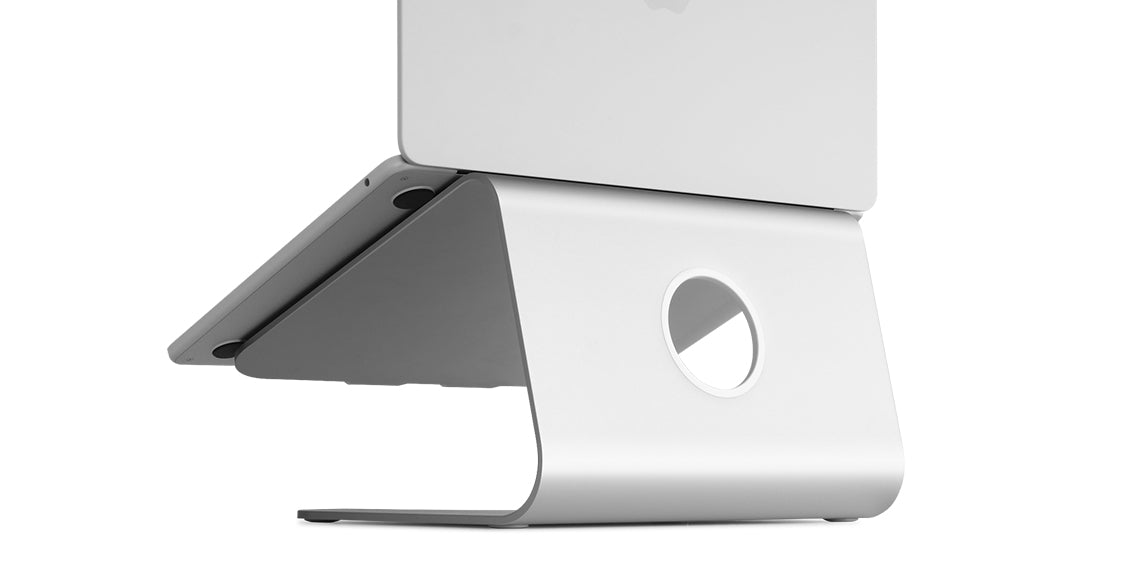
Product placement: Rain Design mStand
A clean fixed-height laptop stand for people who use a laptop as a desktop screen.
Choose Better Lighting If Glare Is Moving Your Head
Sometimes the screen height is fine, but glare or dim desk lighting makes you lean, squint, or tilt. A monitor light bar can clean up the work surface without taking up desk space.
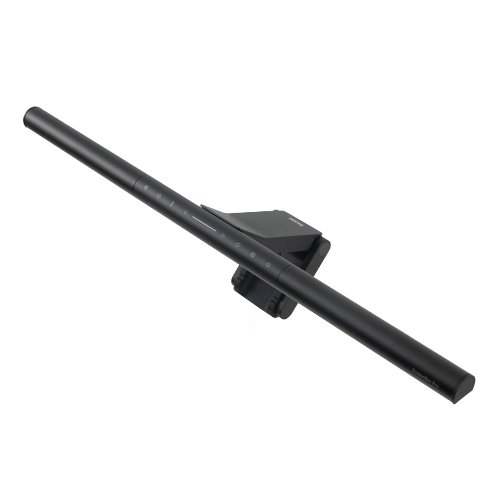
Product placement: BenQ ScreenBar Pro Monitor Light
A premium monitor light for reducing desk darkness without placing a lamp base on the work surface.
When a Monitor Arm Makes More Sense
A monitor arm is better when you need depth adjustment, side-to-side movement, portrait mode, or a cleaner desk surface. It is also useful if your monitor stand is huge and steals usable desk space.
The downside is compatibility. You need to check monitor weight, VESA mounting, desk thickness, and whether the clamp has enough room.
The Bottom Line
If your neck is bothering you, do not start by buying the most complicated product. Start by identifying the mismatch: height, distance, laptop posture, glare, or desk depth. A riser fixes simple height. A laptop stand fixes folded laptop posture. A monitor arm fixes adjustability. Lighting fixes the way your eyes pull your head around.
Note: This article is shopping guidance, not medical advice. Persistent neck pain, numbness, headaches, or radiating symptoms should be discussed with a qualified clinician.