Affiliate disclosure: Modern Ergonomic may earn a commission from qualifying purchases through Amazon links in this article. Product availability, pricing, reviews, and seller details can change quickly, so use the Amazon buttons to confirm the current listing before buying.
Most standing desk advice starts with a number: 42 inches, 44 inches, 47 inches. That sounds helpful until you remember that people are different heights, keyboards are different thicknesses, shoes change things, and the same person may need a different setup for typing than for reading.
The better question is not “what height should my standing desk be?” It is: where do my arms, eyes, and feet land when the desk is at this height?
Reddit signal
- People in standing desk communities keep asking whether their elbows should be exactly 90 degrees, slightly open, or lower than the desk.
- Several threads turn into the same diagnosis: the desk height is only one part of the system. Monitor height, keyboard thickness, mat height, and shoes all change the answer.
- The highest-intent searches are usually not “standing desk benefits.” They are “standing desk height arms,” “standing desk elbow angle,” and “standing desk too high.”
“When I type, my arms don’t naturally rest at a 90 degree angle, and my shoulders feel a bit tense.”
The Quick Answer
Start with your keyboard and mouse around elbow height. Your shoulders should feel dropped, not shrugged. Your elbows should usually sit near a right angle or slightly more open, and your wrists should stay close to neutral instead of bending upward into the keyboard.
From there, adjust the monitor separately. A desk can be the perfect height for your arms and still leave your screen too low. That is why so many standing desk setups need a monitor arm, riser, or laptop stand.
Standing desk height checklist
- Shoulders relaxed, not lifted.
- Elbows close to your sides, usually around 90 to 110 degrees.
- Wrists mostly straight while typing and mousing.
- Screen high enough that you are not looking down all day.
- Feet supported by the floor or mat, with room to shift position.
The Arm Position Test
Stand at the desk and let your arms hang naturally for a second. Then bend your elbows as if you are about to type. Bring the desk to meet that position. If you have to lift your shoulders to reach the keyboard, the desk is too high. If you have to hunch down or bend your wrists upward, it is too low.
Do not obsess over one perfect angle. Ergonomics is not a statue contest. You are looking for a range where your body is not working hard just to stay at the desk.
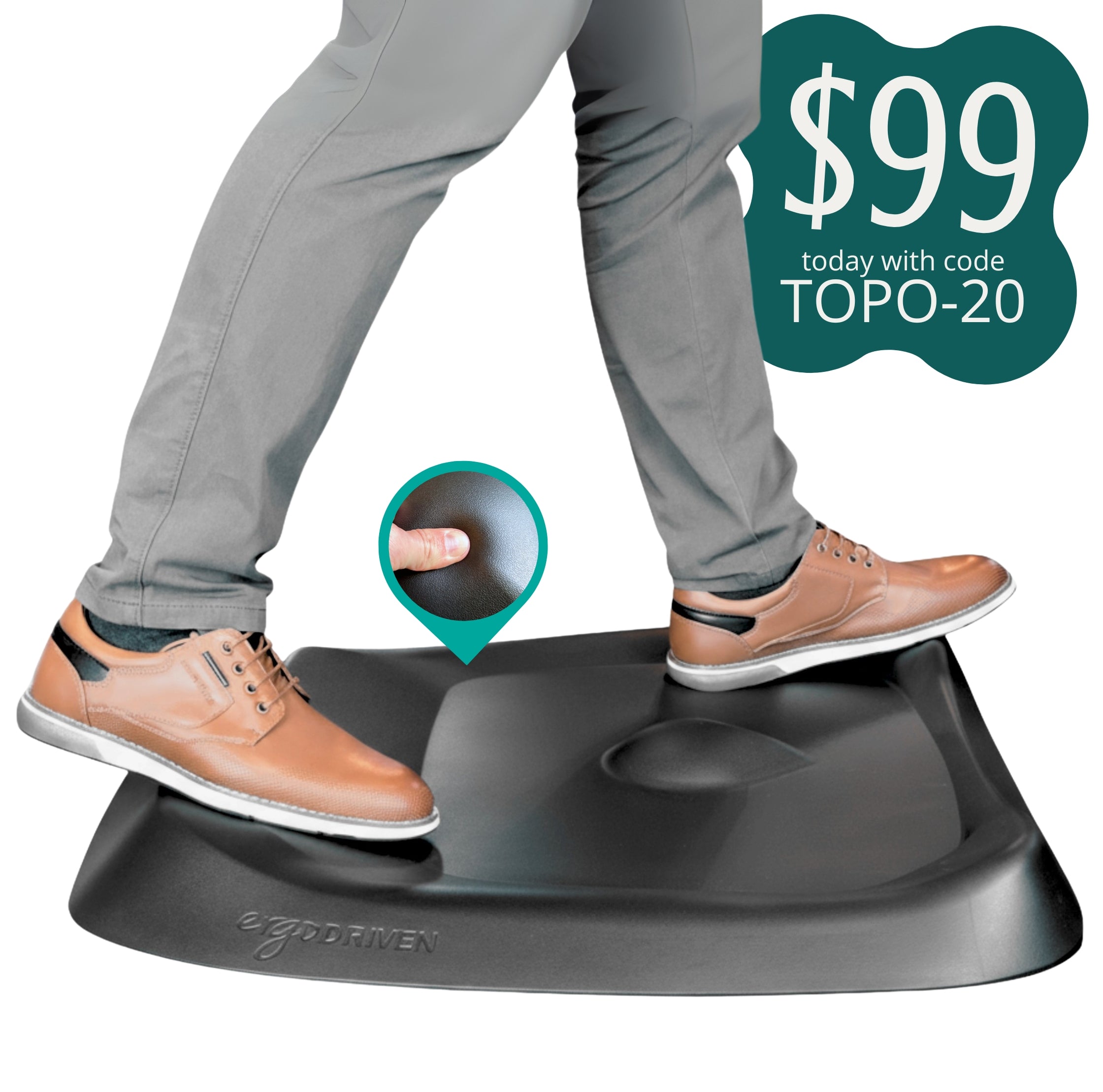
Product placement: Ergodriven Topo Standing Desk Mat
A standing desk mat is not just comfort padding. A textured mat like the Topo gives your feet small position changes, which helps standing feel less static.
Do Not Let the Desk Control the Monitor
A very common mistake is setting the desk height for the screen instead of the keyboard. That usually puts your arms in a bad position. The desk should serve your hands first. The monitor should be raised separately.
If you use an external monitor, a riser is the simplest fix. If you use a laptop, a stand plus external keyboard and mouse is usually the cleaner setup. This is the part people skip, and it is why a standing desk can still leave your neck feeling cooked.
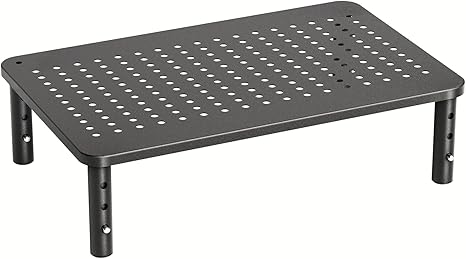
Product placement: HUANUO Adjustable Monitor Stand Riser
Use a riser when your desk height feels good for typing but the monitor still sits too low.
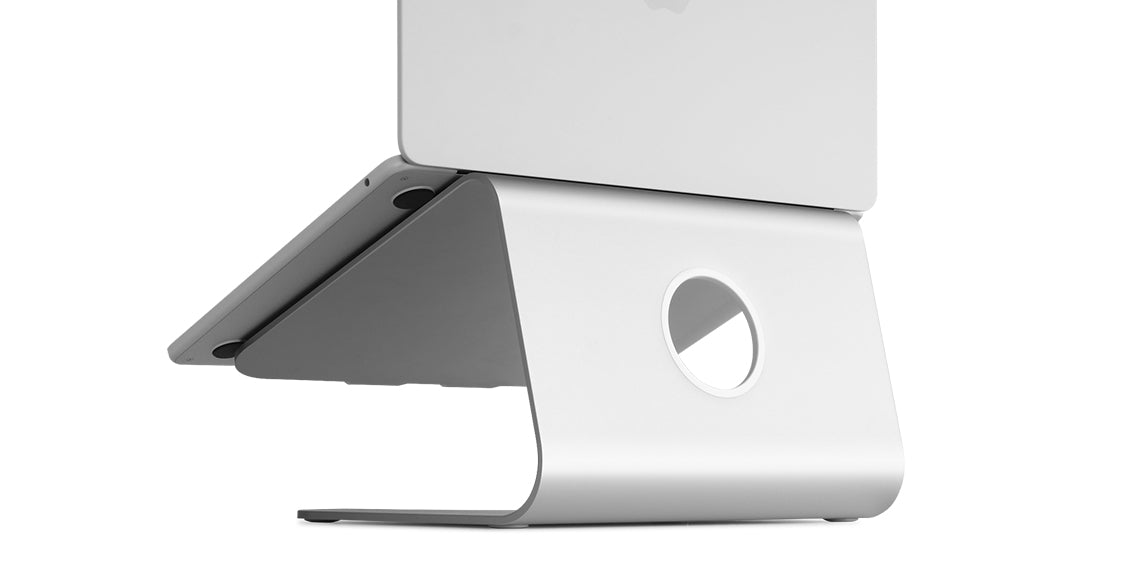
Product placement: Rain Design mStand
Use a laptop stand when your laptop is your main computer and you want the screen closer to eye level.
What About Shoes, Mats, and Keyboard Thickness?
This is where the exact-number advice breaks down. Shoes can add height. A standing mat can add height. A thick mechanical keyboard can raise your hands. A wrist rest can change the way your hands meet the desk.
That does not mean you need to measure every object like you are building a lab. It means you should make the final adjustment after the whole setup is in place.
The Best Standing Desk Height Is the One You Can Leave and Return To
A good standing height should make it easy to rotate between sitting, standing, leaning, and stepping away. If standing feels like a heroic activity, the setup is probably too rigid.
Start with your arms. Raise the screen separately. Give your feet somewhere useful to go. Then save that desk height as a preset if your desk supports it.
Note: This article is practical shopping guidance, not medical advice. If you have persistent pain, numbness, injury symptoms, or a diagnosed condition, talk with a qualified clinician.