Tag: home office

  • The Desk Setup That Stops Fighting You

    The Desk Setup That Stops Fighting You

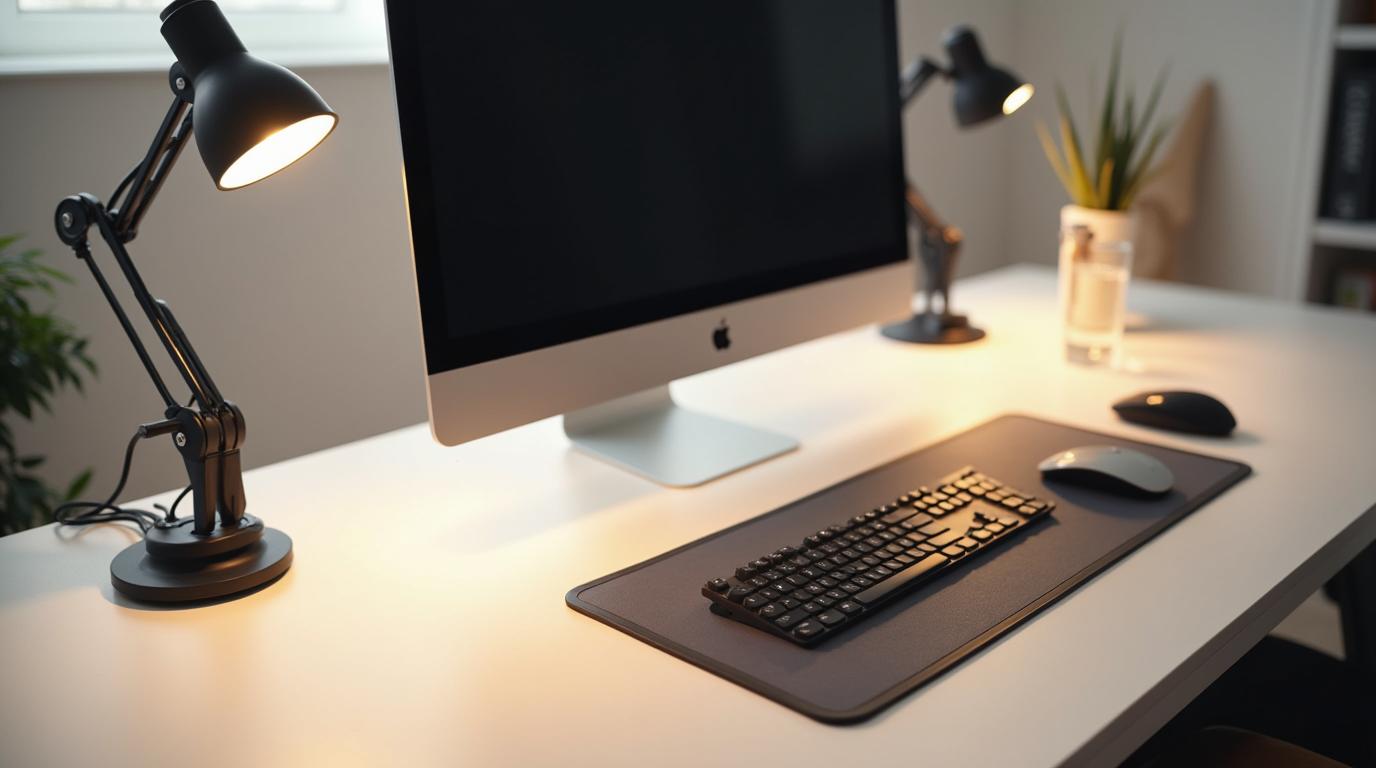
    A workspace can look beautiful and still be physically annoying. The laptop is too low. The mouse is just far enough away to pull your shoulder forward. The monitor stand looks good in photos but places the screen at the wrong height. The desk is tidy, yet the body knows something is off.

    The best modern desk setup is not staged for a photo. It is arranged around repeated movement. Every item you touch dozens or hundreds of times a day should earn its position. When the basics are right, the setup feels calm because it stops demanding compensation.

    Start with the screen

    Your eyes should meet the upper third of your main display without the neck folding down or craning up. For laptop users, this usually means adding a stand and using a separate keyboard and mouse. That one change can transform the entire posture of the day because it separates viewing from typing.

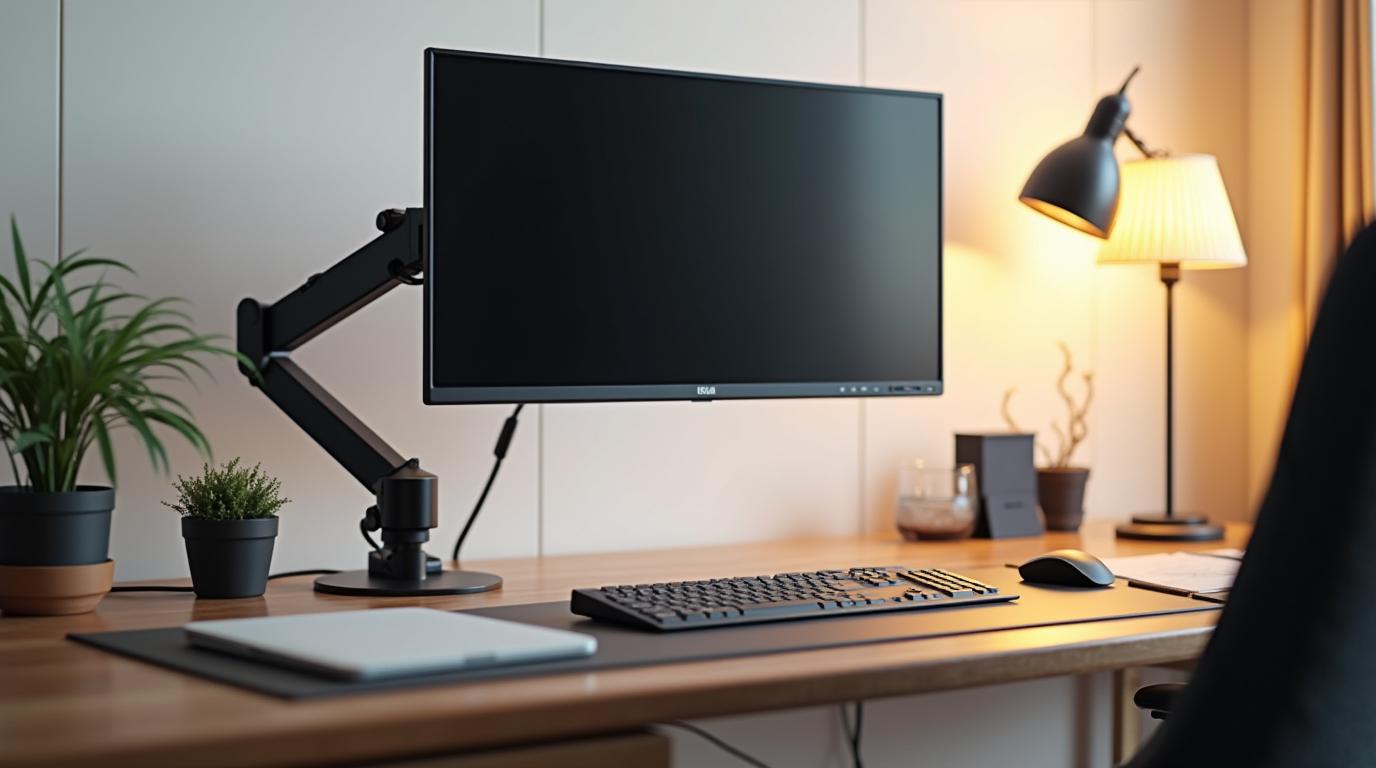
    If you use multiple monitors, place the primary screen directly in front of you. Side monitors are useful, but the main work should not require a permanent neck turn. A monitor arm can be one of the highest-value upgrades because it makes height, depth, and angle adjustable without clutter.

    Bring tools closer

    Keyboard and mouse placement should let your elbows stay close to your body and your shoulders relax. If you are reaching forward, the desk is taking more from you than it should. Compact keyboards, trackballs, vertical mice, and split keyboards can all be useful depending on your body and work style.

    Do not underestimate the surface itself. A desk that is too high pushes the shoulders up. A desk that is too low rounds the back. If the desk cannot change, adjust the chair and add a footrest. Ergonomics is often a chain reaction: fix one height and the next problem becomes obvious.

    Design for resets

    A good setup should invite movement. Leave room to push the keyboard away and read. Keep a water bottle within reach. Use a small standing mat if you have a sit-stand desk. Put the things you need often close by and the things you rarely use out of the primary zone.

    The goal is not a perfect desk. It is a desk that supports the work without constantly pulling your body into awkward choices. When your setup stops fighting you, focus has a smoother place to land.
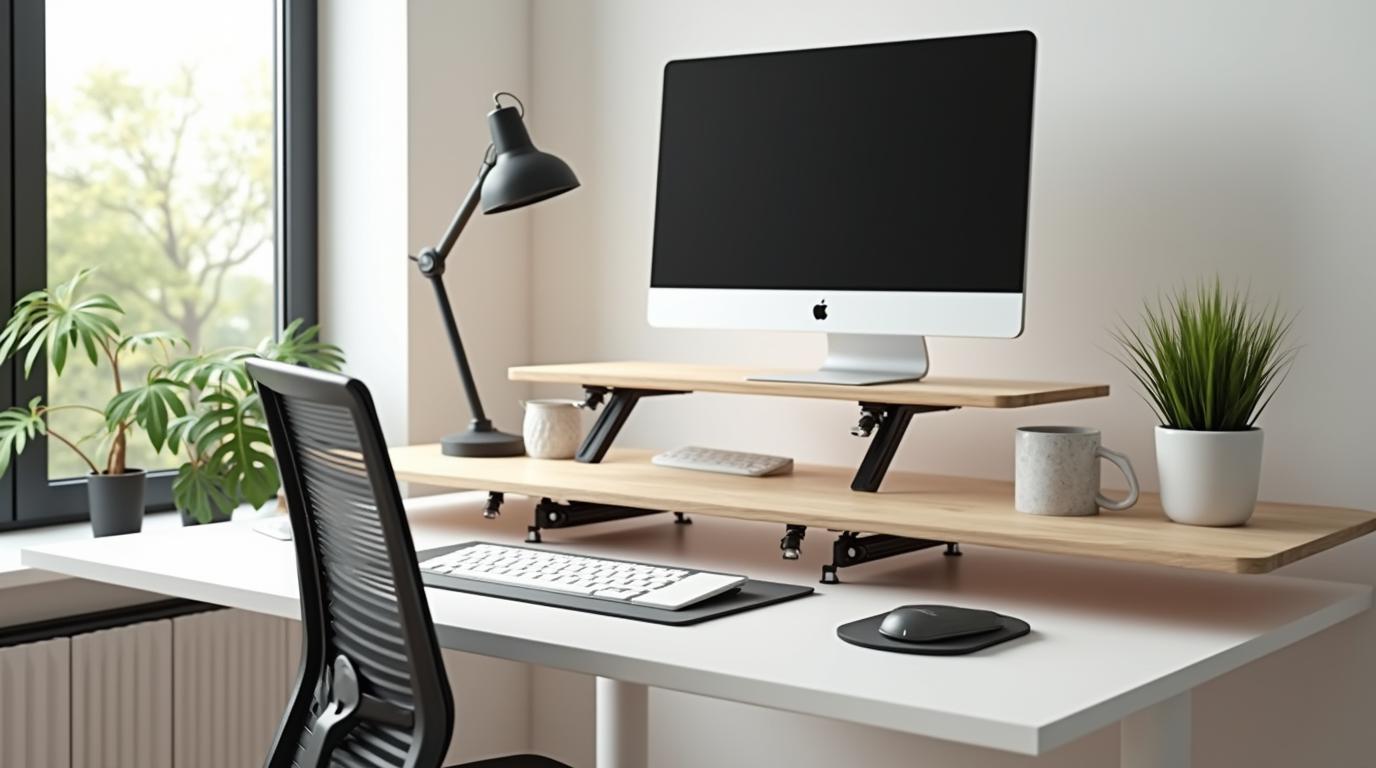
  • Ergonomics Got Better When It Stopped Looking Like a Cubicle

    Ergonomics Got Better When It Stopped Looking Like a Cubicle

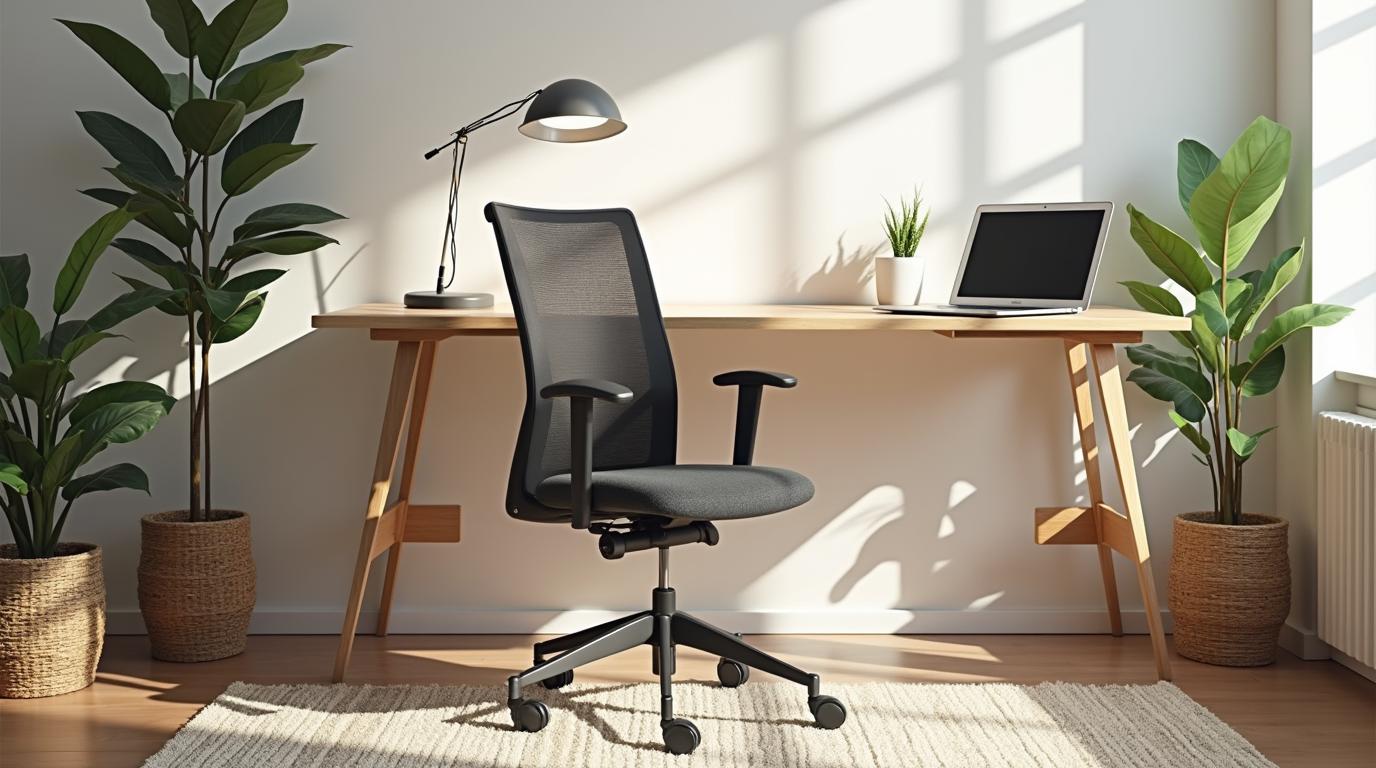
    For a long time, ergonomic products had a certain look: bulky, gray, technical, and vaguely medical. They promised support, but they rarely promised delight. You could have comfort or you could have a beautiful room, and many people quietly chose the room.

    That tradeoff is fading. The modern ergonomic category is becoming more interesting because it respects both the body and the eye. Chairs look less like equipment. Desk accessories are slimmer and smarter. Standing desks feel more like furniture. Lighting, monitor arms, footrests, and keyboards are being designed for actual homes, not only office procurement catalogs.

    Comfort no longer has to announce itself

    The best new ergonomic pieces often disappear into a space. A monitor arm clears the desk while improving screen height. A compact keyboard reduces shoulder reach without turning the desk into a command center. A footrest can look like a small object of furniture rather than a plastic afterthought.

    This matters because people keep using things they enjoy living with. A product that technically supports you but feels ugly or awkward may eventually get shoved aside. A product that fits your space has a better chance of becoming part of the daily rhythm.

    Modern means adaptable

    Modern ergonomics is less about one correct answer and more about adjustability. Bodies vary. Work changes. A setup that feels right in the morning may need to shift by late afternoon. The strongest products create options: height changes, tilt, reach, resistance, modular positions, and easy transitions between sitting and standing.

    That adaptability is especially important now that many workspaces are hybrid. The same desk may support paid work, side projects, reading, gaming, school, and bills. Ergonomic design has to be flexible enough for real life.

    The future is warmer

    The most exciting ergonomic products are not trying to make us into office machines. They are trying to make work feel less extractive. Better lighting reduces strain. Better seating lowers the background tension. Better accessories make movement easier and repetition gentler.

    That is the promise of modern ergonomics: products that care about performance without forgetting comfort, beauty, and daily use. It is not about turning your home into an office. It is about making the places where you work feel more humane.

  • The Case for a Standing Desk That You Actually Use

    The Case for a Standing Desk That You Actually Use

    A standing desk sounds like a clean solution: sit less, feel better. In practice, many people buy one, stand enthusiastically for a week, then use it like a normal desk with extra buttons. The problem is not the idea. The problem is treating standing as the goal.

    The real value of a sit-stand desk is movement. It gives you another position. It lets you interrupt long sitting without leaving the work completely. It helps you shift energy during calls, reading, brainstorming, and admin tasks. Used well, it expands the day instead of replacing one static posture with another.

    Standing still is still still

    Standing for hours without movement can create its own discomfort: tired feet, locked knees, lower back tension, and shifting weight from side to side. A standing desk works best when paired with small habits. Change height before you feel stiff. Use a mat. Wear comfortable shoes or stand barefoot if that works for your space. Move while you think.

    Some tasks fit standing better than others. Calls, quick reviews, planning, and reading often feel natural upright. Deep typing work may still be better seated for many people. Let the work decide the posture instead of forcing a rule.

    Make the transition effortless

    If raising the desk is annoying, you will stop doing it. Memory presets help because they remove friction. Cable management matters because tangled cords make height changes feel risky. A monitor arm can keep screen height correct in both positions. A keyboard tray or adjustable chair may be necessary if the sitting height is not right.

    The best standing desk setup is boringly easy to change. One button, stable surface, everything still aligned. That simplicity is what turns the desk from a gadget into a habit.

    Use it as a rhythm tool

    Instead of asking ?How many hours should I stand?? try asking ?When does my body need a new shape?? Stand for a morning meeting. Sit for focused writing. Stand again after lunch. Walk for five minutes before returning. The desk becomes part of a wider rhythm of attention and recovery.

    A standing desk is worth it when it helps you move more naturally through the day. Not more heroically. Not more performatively. Just more often, with less friction.

  • Small Desk Accessories That Change How Work Feels

    Small Desk Accessories That Change How Work Feels

    Not every ergonomic improvement needs to be a chair or a desk. Sometimes the most meaningful change is small enough to fit in one hand. A laptop stand, vertical mouse, footrest, monitor arm, wrist rest, task light, or cable tray can change the way work feels because it changes the points of daily contact.

    Small accessories are useful because they solve specific problems. They also let you improve a setup gradually. You do not have to rebuild the entire room to reduce strain. You can notice one recurring annoyance and choose the tool that answers it.

    Find the bottleneck first

    If your neck hurts, look at screen height before buying a new chair. If your wrist feels strained, look at mouse shape and desk height. If your feet do not reach the floor comfortably, a footrest may improve your hips, back, and shoulders by giving the body a stable base.

    The right accessory often feels obvious after you identify the problem. A laptop stand solves low-screen posture. A monitor arm solves fixed screen position and desk clutter. A vertical mouse can reduce forearm rotation. A task light reduces squinting and screen brightness battles. A footrest supports shorter users or high desks.

    Small should still be well made

    Cheap accessories can help, but flimsy ones create new frustration. A laptop stand should be stable. A footrest should not slide away. A mouse should fit your hand, not just look ergonomic in a product photo. A desk mat should support movement rather than become a sticky obstacle.

    Modern ergonomic accessories are getting better because they combine function with materials you can live with: aluminum, felt, wood, soft-touch finishes, quiet mechanisms, and colors that do not scream office supply closet.

    Build a system, not a collection

    Accessories work best together. A laptop stand needs an external keyboard and mouse. A monitor arm may reveal that your lighting needs adjustment. A standing desk mat matters only if the rest of the standing setup is comfortable. Each piece should support the whole posture chain.

    Start with the smallest repeat problem. Fix it cleanly. Then notice what changes. Ergonomics becomes less overwhelming when it is treated as a series of thoughtful upgrades rather than one perfect shopping list.

  • The Ergonomic Home Office Should Feel Like a Room, Not a Workstation

    The Ergonomic Home Office Should Feel Like a Room, Not a Workstation

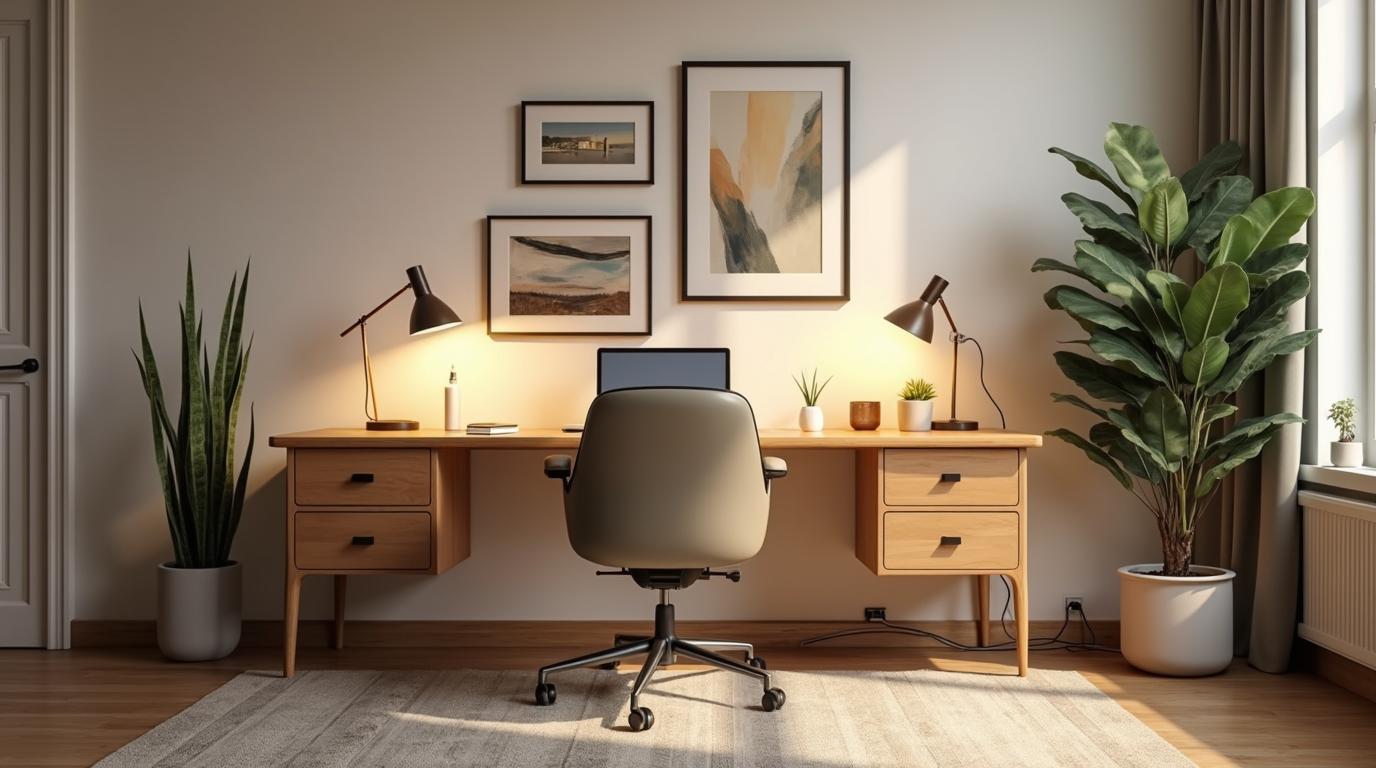
    The home office has a strange job. It has to support serious work, but it also lives inside your home. If it feels too much like an office, it can drain the room. If it feels too much like decor, it may fail your body. The best ergonomic home office sits between those worlds.

    Comfort is not only physical. A setup that looks chaotic can make work feel heavier before it begins. A setup that is beautiful but uncomfortable becomes a daily compromise. The goal is a room that supports focus without making your home feel invaded by work.

    Choose furniture with a second life

    Modern ergonomic furniture is finally becoming more residential. Chairs come in softer profiles. Desks are available in wood tones, clean laminates, and quieter frames. Storage can hide cables and accessories without turning the space into a filing cabinet.

    When possible, choose pieces that make sense after work ends. A chair should not look like it belongs only in a conference room. A desk should feel intentional in the room. A monitor arm, cable tray, and compact accessories can help the workspace disappear visually when the laptop closes.

    Light changes everything

    Lighting is one of the most underrated ergonomic categories. Poor light pushes you toward the screen, increases eye strain, and makes the room feel flat. Use natural light carefully, avoiding glare. Add a task light that lets you brighten paper or keyboard areas without blasting the whole room. Consider warmer ambient light late in the day.

    Good lighting supports both the eyes and the mood of the room. It makes the workspace feel cared for, which can make work feel less harsh.

    Design the end of the day

    A home office should have a way to close. That might mean a drawer for the keyboard, a tray for notebooks, a cable system that keeps the surface clear, or a ritual of lowering the standing desk and turning off the task light. These details matter because your home should not keep shouting work at you.

    An ergonomic home office is not a showroom. It is a room that lets you work well and return to yourself afterward. The best setup supports both parts.