
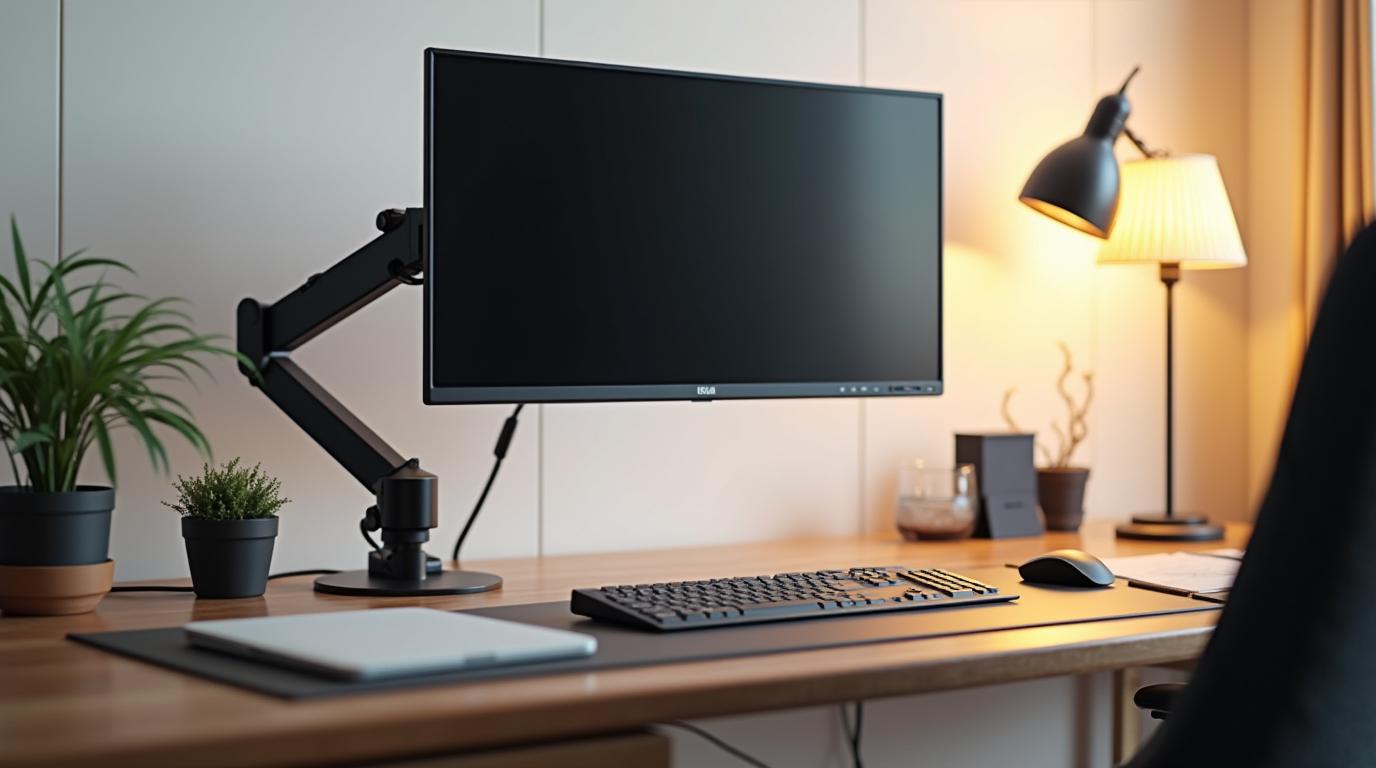
Tag: desk setup

  • The Desk Setup That Stops Fighting You

    The Desk Setup That Stops Fighting You

    A workspace can look beautiful and still be physically annoying. The laptop is too low. The mouse is just far enough away to pull your shoulder forward. The monitor stand looks good in photos but places the screen at the wrong height. The desk is tidy, yet the body knows something is off.

    The best modern desk setup is not staged for a photo. It is arranged around repeated movement. Every item you touch dozens or hundreds of times a day should earn its position. When the basics are right, the setup feels calm because it stops demanding compensation.

    Start with the screen

    Your eyes should meet the upper third of your main display without the neck folding down or craning up. For laptop users, this usually means adding a stand and using a separate keyboard and mouse. That one change can transform the entire posture of the day because it separates viewing from typing.

    If you use multiple monitors, place the primary screen directly in front of you. Side monitors are useful, but the main work should not require a permanent neck turn. A monitor arm can be one of the highest-value upgrades because it makes height, depth, and angle adjustable without clutter.

    Bring tools closer

    Keyboard and mouse placement should let your elbows stay close to your body and your shoulders relax. If you are reaching forward, the desk is taking more from you than it should. Compact keyboards, trackballs, vertical mice, and split keyboards can all be useful depending on your body and work style.

    Do not underestimate the surface itself. A desk that is too high pushes the shoulders up. A desk that is too low rounds the back. If the desk cannot change, adjust the chair and add a footrest. Ergonomics is often a chain reaction: fix one height and the next problem becomes obvious.

    Design for resets

    A good setup should invite movement. Leave room to push the keyboard away and read. Keep a water bottle within reach. Use a small standing mat if you have a sit-stand desk. Put the things you need often close by and the things you rarely use out of the primary zone.

    The goal is not a perfect desk. It is a desk that supports the work without constantly pulling your body into awkward choices. When your setup stops fighting you, focus has a smoother place to land.

  • Why Your Neck Hurts Before the Workday Is Over

    Why Your Neck Hurts Before the Workday Is Over

    Neck pain at a desk can feel mysterious because nothing dramatic happens. You sit down, answer messages, look at a screen, and a few hours later the base of your skull feels tight. The cause is usually not one terrible movement. It is a collection of small positions repeated long enough to become a problem.

    The most common culprit is screen height. Laptops are convenient because the screen and keyboard travel together, but that convenience creates a design conflict. If the keyboard is low enough for comfortable typing, the screen is usually too low for comfortable viewing. If the screen is high enough, the keyboard is too high. The neck often pays the difference.

    Forward head posture is a setup problem

    When the screen sits too low or too far away, the head drifts forward. That position increases demand on the muscles that support the neck and upper back. Add a few hours, a little stress, and a phone check every few minutes, and the strain becomes predictable.

    The fix starts with bringing the screen to eye level. A laptop stand plus an external keyboard and mouse can make a bigger difference than many expensive accessories. For desktop monitors, a monitor arm or sturdy riser can help place the display at the right height and distance.

    Shoulders tell the same story

    Neck pain often travels with shoulder tension. If your keyboard is too far away, your arms reach. If your mouse is too high, your shoulder lifts. If your chair lacks support, your upper back rounds and your head follows. These small changes stack.

    Try arranging your keyboard and mouse so your elbows stay near your sides. Keep wrists neutral and shoulders easy. If the desk height is wrong, adjust chair height and support your feet. The neck rarely improves if the rest of the setup keeps asking for strain.

    Build in relief before pain arrives

    Do not wait for the afternoon ache to remind you to move. Schedule tiny resets: stand, look across the room, roll the shoulders, gently tuck the chin, and change position. A good setup reduces strain, but movement keeps the system alive.

    Neck pain is information. It is your body describing the workspace in physical terms. Listen early, adjust the tools, and the day can feel less like something you have to recover from.